When you click on links to various merchants on this site and make a purchase, this can result in this site earning a commission. Affiliate programs and affiliations include, but are not limited to, the eBay Partner Network.
I have just about finished my complete aftermarket stereo overhaul in my C5.
I already have an after market amp, sub and speakers installed.
Today the new double-din replacement stereo has arrived!
My goal is to keep the RAP (Retained accessory power) in the vehicle, and from the audio FAQ's the way to do it is with a "SOUNDGATE GMACC", but have seen others saying it hasn't worked or ins't the best.
What do I need, the options I've seen are:
SOUNDGATE GMACC
GMRAP
Accessory Valet
The Soundgate GMACC is about 20$, GMRAP 50$, and Accessory Valet is about 100$.
Is it true that these adapters are the only way to keep the car chimes? (Key in ignition, door open, etc.)
Last edited by Zoidman; Apr 21, 2015 at 01:03 PM.
Reason: Door chimes question
GMRAP and AV both work great for RAP. The AV also has a few more features that can be enabled.
.
Thanks for the reply!
Do you happen to know what other features the AV has?
From their website it seems like it only retained power and a feature for dimming of the display on the NAV unit.
Is the serial data line that the RAP adapters need in the factory wiring harness? (The Red ACC line hopefully? )
And the power/ground lines from the factory harness can also be used right?
If there was a red ACC line in the stock harness you wouldn't need the AV
AV instructions HERE, all wires are available in oem radio plugs, pinout below.
In addition to the dimmer wire the AV will let you use the "Enhanced RAP" of the Window Valet if you have one. I had mine setup to roll down the windows and turn on the radio at the same time using the remote (radio came on before I opened a door).
All of the C5 prints are in post #9 of the C5 audio sticky if you need them.
If there was a red ACC line in the stock harness you wouldn't need the AV
AV instructions HERE, all wires are available in oem radio plugs, pinout below.
In addition to the dimmer wire the AV will let you use the "Enhanced RAP" of the Window Valet if you have one. I had mine setup to roll down the windows and turn on the radio at the same time using the remote (radio came on before I opened a door).
All of the C5 prints are in post #9 of the C5 audio sticky if you need them.
Thanks for the diagram, that helps sort things out.
I thought getting a hold of the serial data line would be no trouble and was going to do it ahead of time in the harness adapter I have.
But much to my dismay the Metra 70-1858 doesn't bring out all of the plug wires! Specifically they leave 11-16 out which includes the serial data wire. Bummer...
You can pop out an unused wire and relocate it to the data pin
If you don't have access to a tool designed to pull the pins you can try releasing it with a paperclip or something similar. They're held in by a barb, kind of like a fish hook, depress the barb and pull to get it out.
The longer I look at this the more confused I become.
So I've taken a picture of the upper part of the harness, the part that translates to radio plug C1. I've labeled the the wires 10->5 corresponding to the diagram.
So let me get this straight...
The madman that originally designed this wiring harness hooked up all the wires on the upper part (Plug C1) EXCEPT wire 6, "Radio Signal-on (Coupe Only)".
Instead, there are wires on both pin 7 and 9, which are both "Not Used"!! Madness!
If I understand correctly, I probably want wire 6 attached (I happen to have a C5 coupe) and I want to hook up pin 16 on Radio plug C2 to bring out the serial data line.
And to do this I can relocate both wires 9 and 7 because they are not used for anything, and might as well do something useful with them.
Metra 70-1858 closeup view of Radio C1 adapter portion
The aftermarket plugs are made to be used on many different vehicles, vettes are a very small percentage of those vehicles so wires that are only needed for us are often not there
You don't need C1 pin 6 for anything, that's a 5v signal from the original radio to the coupe amplified antenna module. There are conflicting reports and mixed results when connecting an aftermarket HU to that wire.
To connect the GMRAP or AV you only need wires at C1-5, C1-10, and C2-16.
Each car seems to be a bit different for radio reception with an aftermarket HU, but IMO the best average results are achieved if you supply 12v to the coupe antenna module without the 5v signal. To do that connect your new HU "antenna supply" wire (prob blue) to the wire at C1-8. If your new HU doesn't have an antenna power trigger wire that only comes on with AM/FM you can use the normal blue/white amp trigger instead.
If you really want to get confused, and for extra credit, read THIS THREAD from 2006
Reading this thread is starting to confuse me. I'm only trying to get RAP to work so that the radio won't shut off until the door is opened, not instantly shutting when the key is turned off. What do I need to do or need to buy? Is the Soundgate GMACC what I need and is it easy to hook up if so? Or is there a place I should have hooked my radio's power wire to? BTW, I have a 2003 Z06 with a Kenwood DNX691HD installed. I just don't like that the radio shuts off the moment I turn off the key.
I'd probably recommend getting the Accessory Valet because it also includes an output for your stereo that lets it change it's back-lighting (if the stereo supports that feature), and as markcz mentioned the Accessory Valet can be combined with other accessories from that vendor.
It is easy to hookup, as it only requires 3 wires present in the factory radio harness.
The accessory will give you two outputs to wire into your new head unit. One for radio turn-on, and a second for illumination.
These two features/outputs are not directly present on the factory radio harness and cannot be directly wired to a replacement head unit and is the reason for needing the adapter.
The accessory valet will continue providing the "accessory turn-on" signal to the radio for 15 (20?) minutes after the ignition is turned off, which is known as the "retained accessory power" feature for the stereo.
Wow, thanks for such a fast reply so late at night. Do you know where I can purchase the Accessory Valet or should I just google it? Thanks for your help.
Wow, thanks for such a fast reply so late at night. Do you know where I can purchase the Accessory Valet or should I just google it? Thanks for your help.
Yup, I just bought mine from Amazon tonight. Search for "Accessory valet by top down" on Amazon, and it should direct you to the right place.
Or you can buy directly from the vendor's website. They would probably appreciate it because Amazon doesn't take a cut of the sales if you buy directly from them.
I wanted to post an update that I have moved the pins around on the Metra 70-1858, thanks to Markcz for the tip about the barbs on the pins.
I took some pictures documenting it for anyone else interested
To remove one of the pins you have to depress a barb to release it from the harness.
To do this, you have to depress the barb by inserting something at the leg of the "T" that pushes the metal barb flat. The leg of the "T" can be seen by looking into the wiring harness. It was hard to get a picture showing it off, but you can see the "T" on the empty slots in the harness
Once the barb is flat, you can tug on the wire and pull it out of the back of the harness
This is a picture looking into the harness, I've circiled what some of the "T" spots look like.
Adapter harness facing towards me
To depress the barb I happened to have a perfect tool from a lock picking kit, but I'm sure a paper clip or something would work with a little force.
Here is what the tool looks like that I used. I simply jammed it into the leg of the "T" on the individual harness pins I wanted to remove.
Lock picking tool to depress pin of wire
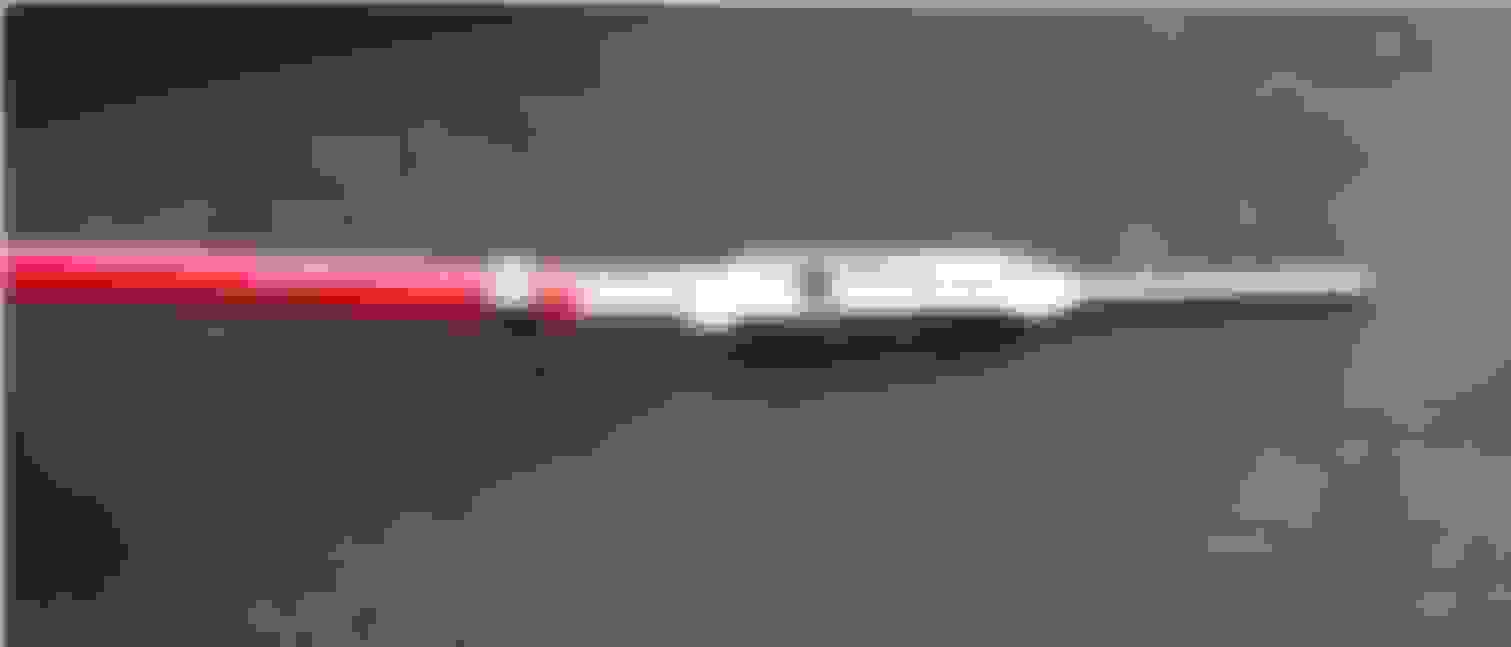
Here is a picture of what the barb looks like on the pin
The other side of the barb
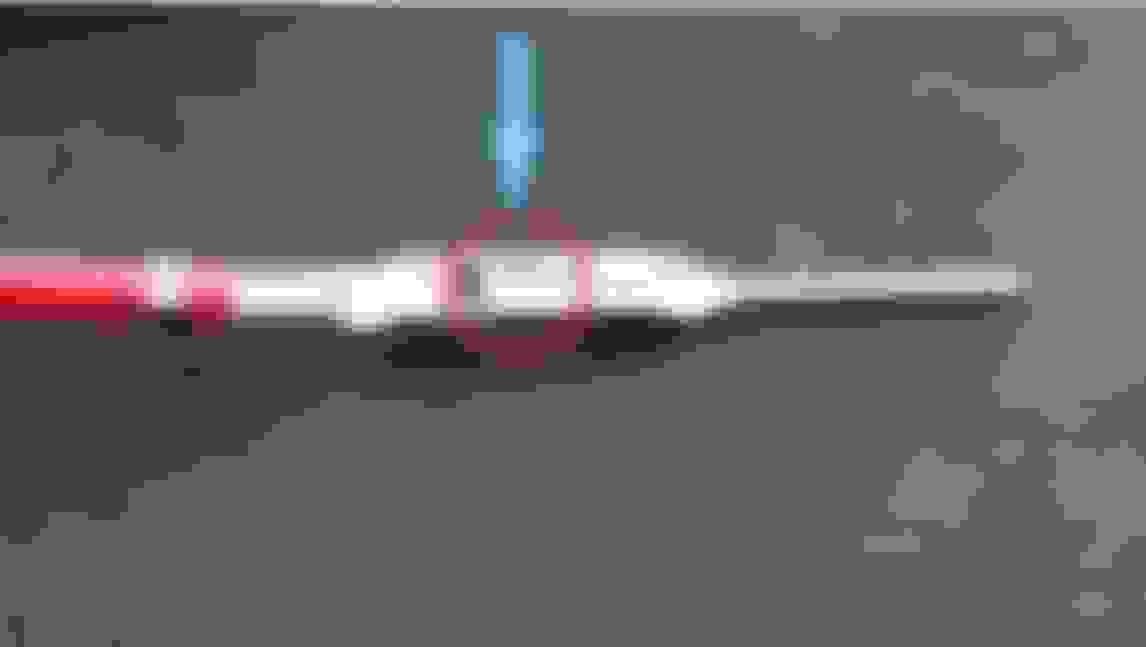
You're goal to remove the pin is to depress the barb in the center of the pin, I've ciricled it here and drawn an arrow indicating the direction you desire to push
The pushing direction on the barb is from the bottom of "T" towards the top of the "T"
And finally here is my adapter harness with the wires successfully moved! Most importantly I now have a wire in C2 Pin 16 for the serial data wire!
The accessory valet has arrived, and I've completed my wiring harness.
I was able to tie the accessory valet directly in the wiring harness, making it a full plug-and-play adapter for the new radio!
I soldered and heat shrunk all the wires together where they need to be.
Now I just have to wait for my double-din bezel to come in before I can install it all... ~zzzz...







 C5 RAP Aftermarket Adapter




 )
)