





fooling Around With New Camera
Thread Starter
Le Mans Master


Joined: Sep 2006
Posts: 9,597
Likes: 960
From: Palm Harbor not far from Sebring Florida
St. Jude Donor '11
Oldtimer
 fooling Around With New Camera
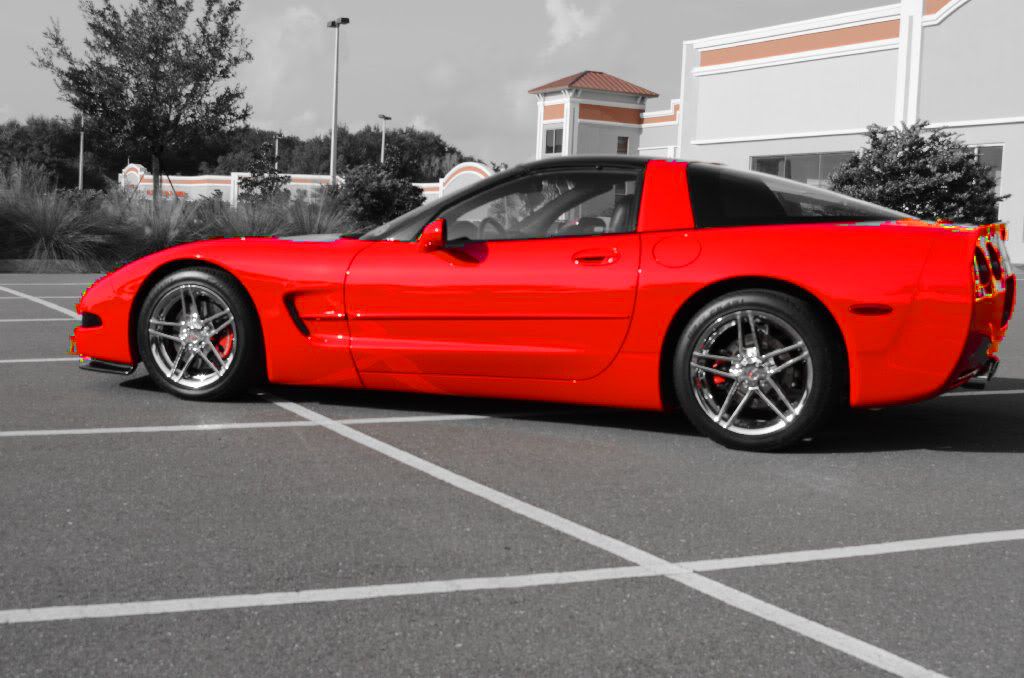
I just purchased a new Nikon D5100 a few weeks ago and still learning all of the different features. I found the Effects called Selective Color. It allows you to select a color or a few different colors in your shoe and isolate only those and the rest of the picture will appear in black and white.
This first shot is a few months ago in a new shopping center parking lot.
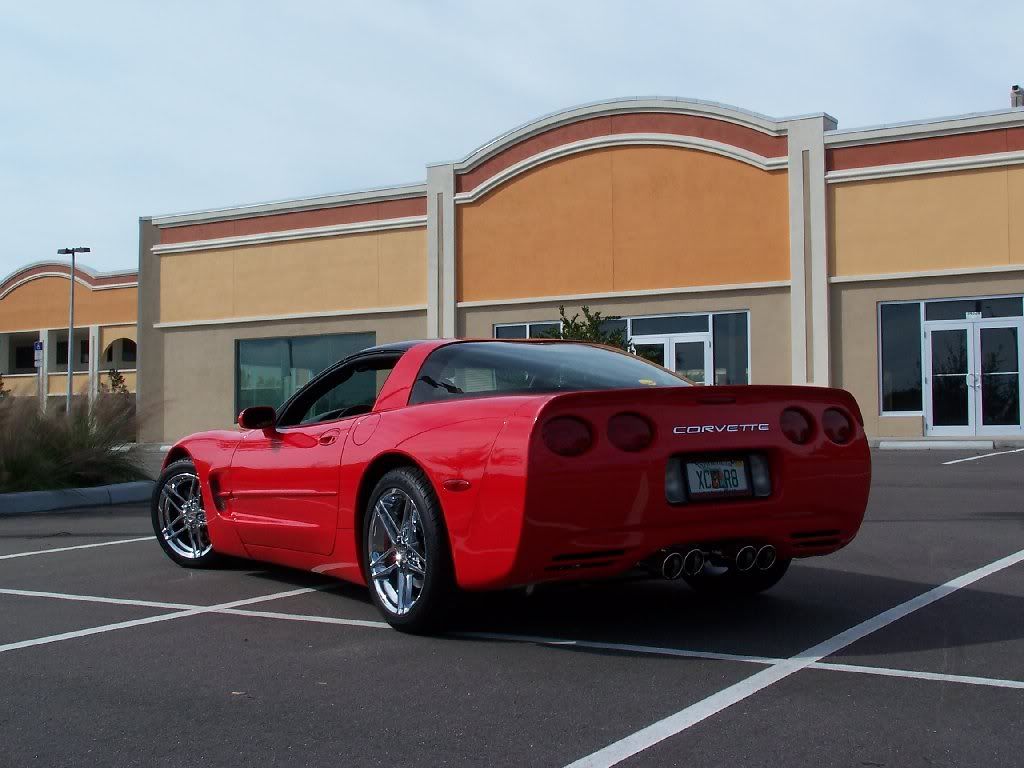
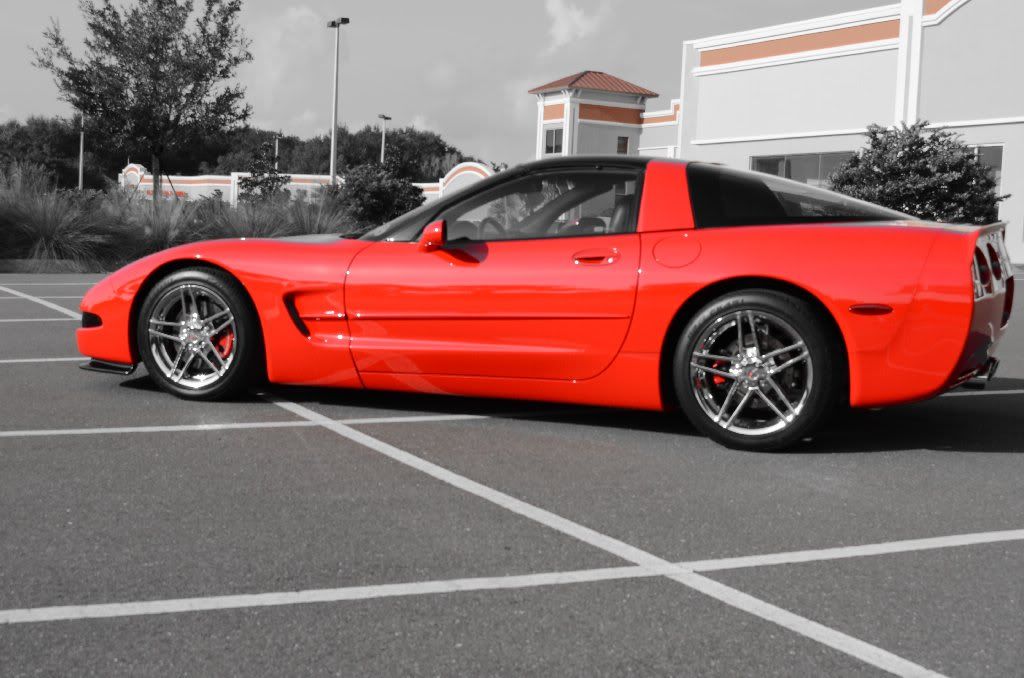
Now this was taking a little while ago in the same center. The red is not as bright and vibrant and I found that even though I selected the red on the car the camera will pick up any other color that is close to the selected color. I am sure I can do better, but not bad (in my opinion) as I play a little more.
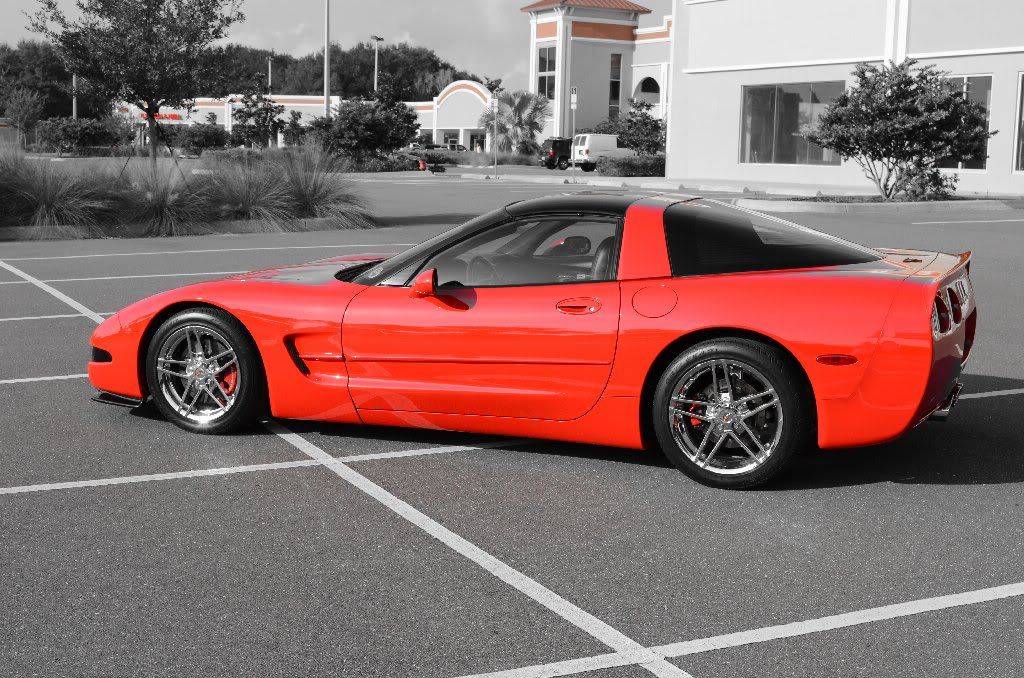
This first shot is a few months ago in a new shopping center parking lot.
Now this was taking a little while ago in the same center. The red is not as bright and vibrant and I found that even though I selected the red on the car the camera will pick up any other color that is close to the selected color. I am sure I can do better, but not bad (in my opinion) as I play a little more.
Last edited by BWF07; Aug 12, 2011 at 09:53 AM.

Administrator


Joined: Mar 2001
Posts: 368,297
Likes: 24,776
From: In a parallel universe. Currently own 2014 Stingray Coupe.
C7 of the Year - Modified Finalist 2021
MO Events Coordinator
St. Jude Co-Organizer
St. Jude Donor '03 thru '25
NCM Sinkhole Donor
CI 5, 8 & 11 Veteran
That is a pretty neat feature. It should make for some very interesting pictures.

Burning Brakes


Joined: Mar 2010
Posts: 921
Likes: 134
From: Chicago Illinois
The features that come out in today's cameras are astonishing...but sometimes don't give you exactly what you want.
If you have photoshop you can desaturate your color picture and then use the history tool brush to paint back the color - where you want and exactly how the color looked in the original picture. Makes for some fun trial and error.
Good luck on the camera, I'm a 5D Mark II kinda guy.
Les
If you have photoshop you can desaturate your color picture and then use the history tool brush to paint back the color - where you want and exactly how the color looked in the original picture. Makes for some fun trial and error.
Good luck on the camera, I'm a 5D Mark II kinda guy.
Les
I just purchased a new Nikon D5100 a few weeks ago and still learning all of the different features. I found the Effects called Selective Color. It allows you to select a color or a few different colors in your shoe and isolate only those and the rest of the picture will appear in black and white.
This first shot is a few months ago in a new shopping center parking lot.
Now this was taking a little while ago in the same center. The red is not as bright and vibrant and I found that even though I selected the red on the car the camera will pick up any other color that is close to the selected color. I am sure I can do better, but not bad (in my opinion) as I play a little more.
This first shot is a few months ago in a new shopping center parking lot.
Now this was taking a little while ago in the same center. The red is not as bright and vibrant and I found that even though I selected the red on the car the camera will pick up any other color that is close to the selected color. I am sure I can do better, but not bad (in my opinion) as I play a little more.
Corvette Stories
The Best of Corvette for Corvette Enthusiasts

Top 10 Most Expensive Corvettes Ever Sold on Bring A Trailer
Brett Foote
10 Things Every Corvette Owner Needs (2026 Edition)
Michael S. Palmer
8 Most "Only Corvette Owners Understand" Quirks and Problems
Pouria Savadkouei
10 Reasons the C6 Z06 is Still A Performance Benchmark After 20 Years
Joe Kucinski
How Much Horsepower Every Corvette Engine "LOST" in 1972
Joe Kucinski
Top 10 DOs and DON'Ts for Protecting Your Convertible Top!
Michael S. Palmer
Top 10 Most Explosive Corvettes Ever Made: Power-to-Weight Ratio Ranked!
Joe Kucinski
150 hp to 1,250 hp: Every Corvette Generation Compared by the Specs That Matter
Joe Kucinski
8 Coolest Corvette Pace Cars (and Replicas) of All Time
Verdad Gallardo

Thread Starter
Le Mans Master
Joined: Sep 2006
Posts: 9,597
Likes: 960
From: Palm Harbor not far from Sebring Florida
St. Jude Donor '11
Oldtimer
The features that come out in today's cameras are astonishing...but sometimes don't give you exactly what you want.
If you have photoshop you can desaturate your color picture and then use the history tool brush to paint back the color - where you want and exactly how the color looked in the original picture. Makes for some fun trial and error.
Good luck on the camera, I'm a 5D Mark II kinda guy.
Les
If you have photoshop you can desaturate your color picture and then use the history tool brush to paint back the color - where you want and exactly how the color looked in the original picture. Makes for some fun trial and error.
Good luck on the camera, I'm a 5D Mark II kinda guy.
Les
Original:
Coral Paint Shop Pro:
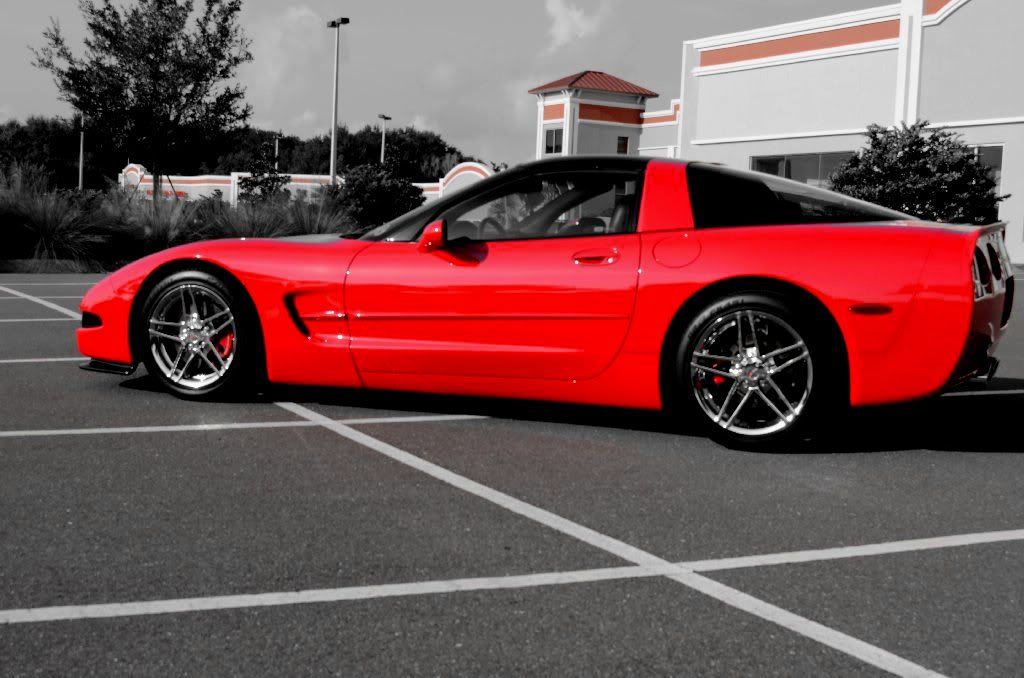
Photoshop Elements 9: