When you click on links to various merchants on this site and make a purchase, this can result in this site earning a commission. Affiliate programs and affiliations include, but are not limited to, the eBay Partner Network.
Sometimes the navigation in my 2007 does not work. The screen asks me to install a NAV DVD when one is already installed, so I eject it, and reinsert it to no avail. I have tried different DVD's (later and earlier issues), but that's no help. I have used a DVD/CD cleaning disc, but that doesn't change anything. Then, after awhile, the NAV screen comes on, but sometimes it doesn't. Sometimes, it works okay. Everything else in the entertainment screen works: CD's, radio, voice, etc. Anyone have any suggestions? Thanks.
Wayne
Dust buildup on the lens reader could be the issue, even though you tried a disk cleaners and assuming canned air.
Do a search.
Kind of a burden to get to the lens and remove the dust.
Remove the radio, disassemble the case, lift the clear dust protector and insert a q-tip w/ alcohol to clean the laser reading lens.
Have fun.
Dust buildup on the lens reader could be the issue, even though you tried a disk cleaners and assuming canned air.
Do a search.
Kind of a burden to get to the lens and remove the dust.
Remove the radio, disassemble the case, lift the clear dust protector and insert a q-tip w/ alcohol to clean the laser reading lens.
Have fun.
I haven't used canned air, so I'll do that. I thought the cleaner DVD/CD would be enough. Where along the DVD slot should I concentrate the air?
In home DVD/CD players, I have been able to reach the lens with a long stick and swab (6-8") made for that purpose. Do you know if that's possible with the Vette?
If I have to disassemble, I'll probably go with a better aftermarket unit replacement. Can you recommend any?
Thanks.
Wayne
Last edited by wsaugenstein; Oct 31, 2018 at 10:47 AM.
Problem is some times is not the dust on the top of the lens, but in the lower refactor assembly under the top lens cover that has to be cleaned out instead.
Problem is some times is not the dust on the top of the lens, but in the lower refactor assembly under the top lens cover that has to be cleaned out instead.
What's the best way to do that without disassembling my dash, in terms of canned air, swabs, tools, places to target, etc.?
Hey WS I think it will be pure luck to clean the lens/ reflector without removing the radio.
Access through the CD slot is limited.
A q-tip though the slot more than likely won't work, again there is a plastic protector/ dust shield in place.
High pressure, dry air shooting through the slot...again pure luck if this removes your dust issue...if a dust issue.
The air pressure may or may not work, same as those CD disk cleaners, may or may not work.
I truly think you have to remove the radio not to difficult...do a search for guidance.
Good luck.
After close scrutiny of the Nav unit, it is indeed possible to remove the CD player (top) and the NAV player from the case from the back side, by removing the very small screws.
Unfortunately, I had the front completely removed, so I'm not sure if the players would just slide out from the back, but I believe that they would. Each player had a ribbon connected to it, but they can be removed from the slot and installed again without much problem as long as one remembers how they came out.
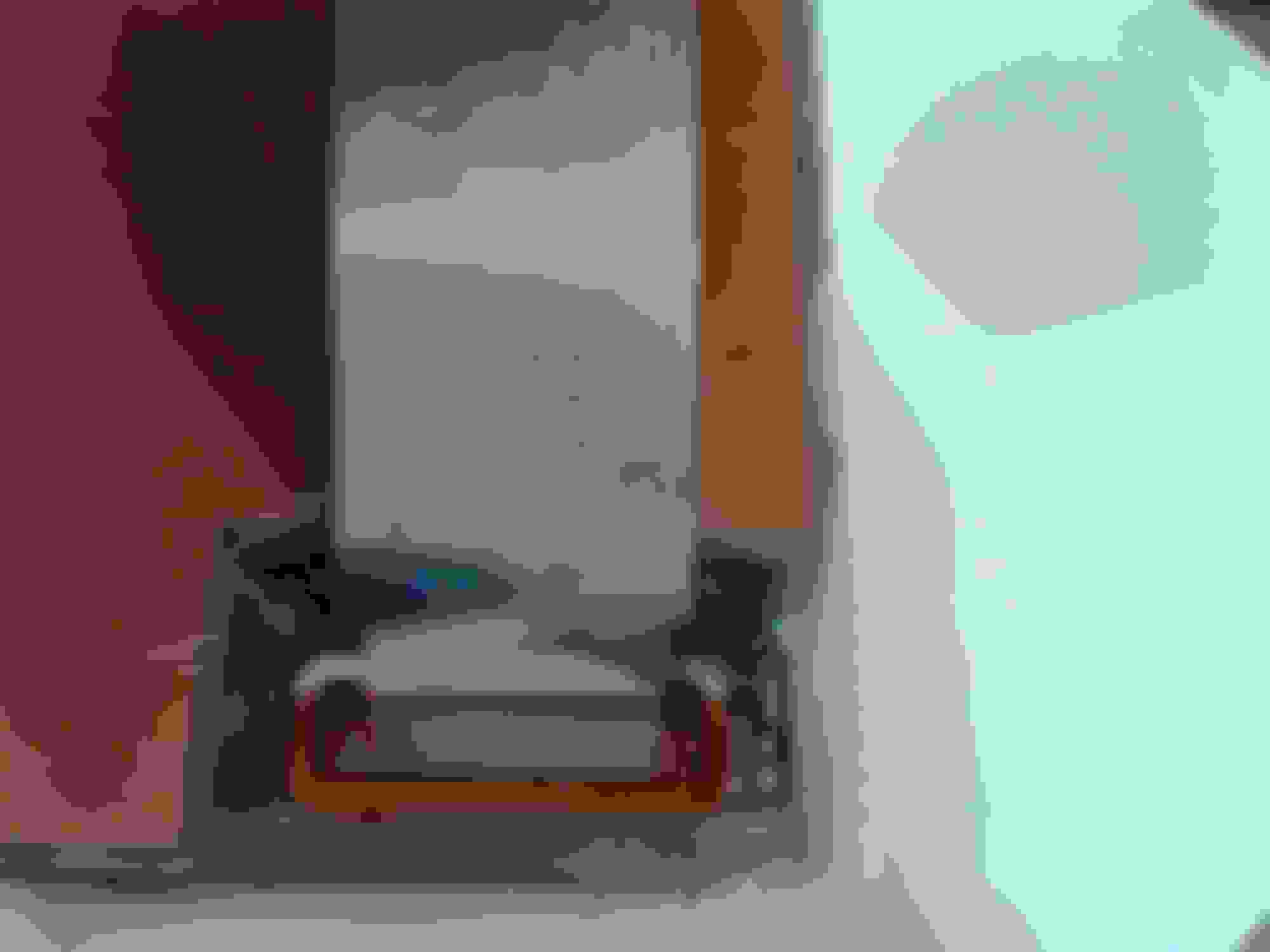
Here are the pics of the back completely removed from the unit.
The small tiny screws
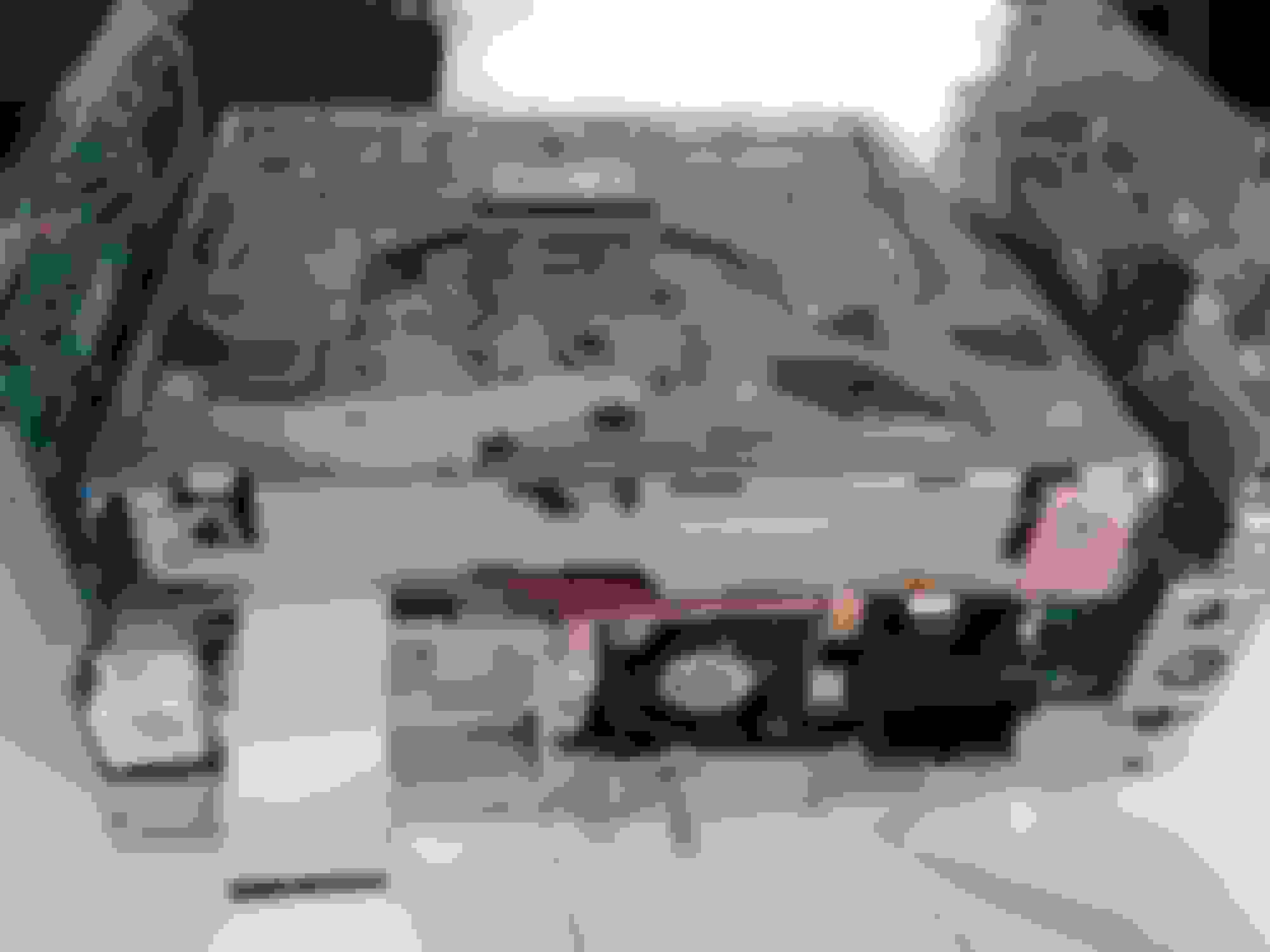
The ribbons, and both players.
The Nav player is encased in a plastic sheath.
There is 2 sided tape on one side that can be released and the sheath can be moved off the DVD player top/bottom.
Here are the pics, and yes, the laser lens can be accessed on the Nav DVD player.
The back of the Nav unit bottom plate off. This also shows the screws for the CD and Nav player removal
The underside CD player ribbon and the slot it goes into
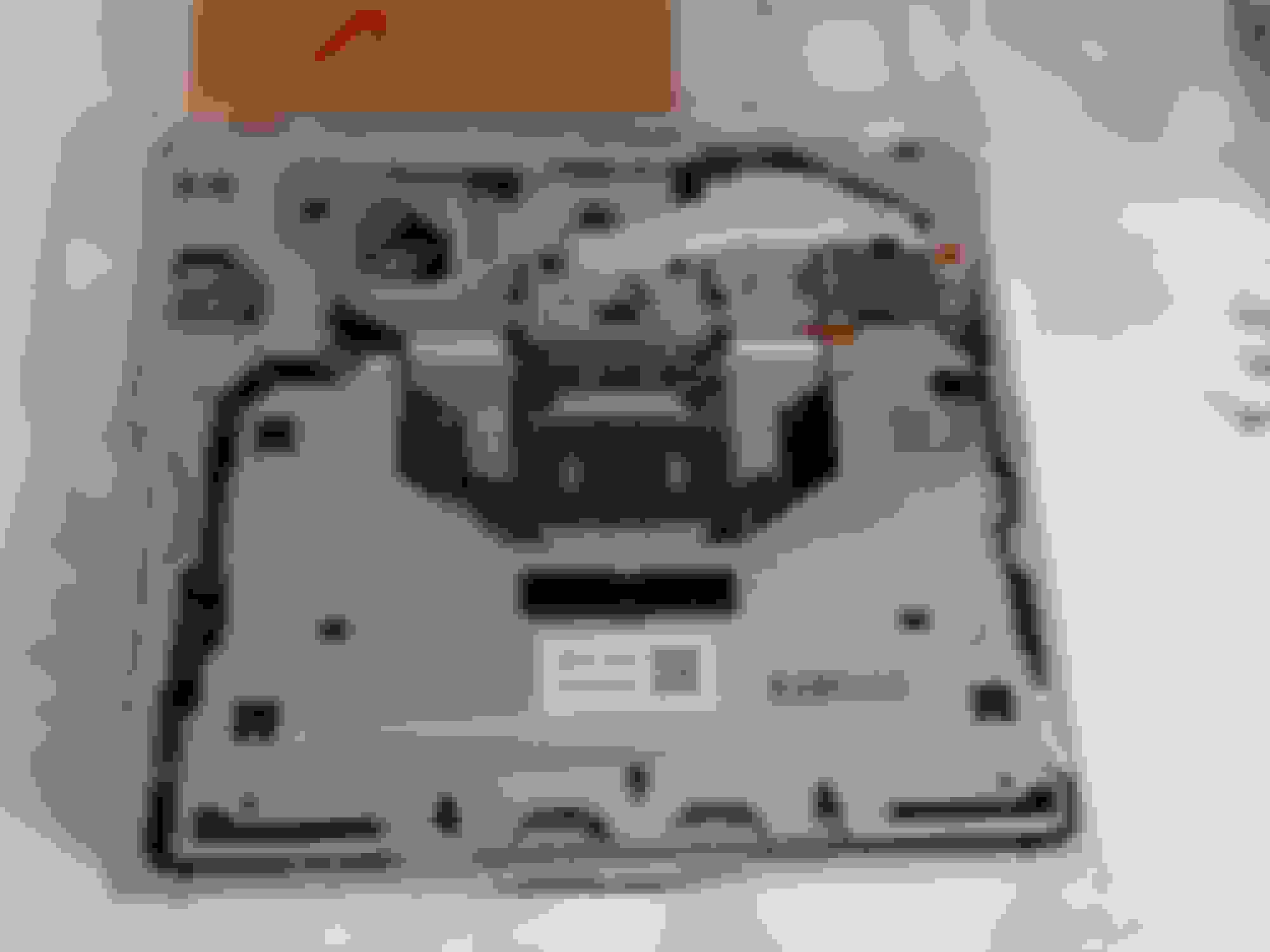
The underside of the Nav player and the ribon/slot it goes into
Nav player exposed with the CD player removed from the case
Plastic sheath removed and top pic with laser carriage at parked position.
Close up of carriage track, moved back manually to expose the laser lens accessed through the slot in the metal jacket.
I have learned alot from taking this apart, and I would personally try to clean the laser on the CD (easy access) and the Nav laser lens (a bit more intense) if my Nav unit was not recognizing the DVD.
I will take no responsibility for any of your dissasemblies






 navigation intermittent