When you click on links to various merchants on this site and make a purchase, this can result in this site earning a commission. Affiliate programs and affiliations include, but are not limited to, the eBay Partner Network.
I have a 2014 corvette z51 auto and can't seem to get the launch control to activate. I put the car in track mode and pushed the center button 2 times and nothing happens. Can anyone help with this issue?
I watched the video prior to you sending it. Along with multiple other videos show how to do it and it still just doesn't do anything other than turn my traction control off and on.
Drive Mode Selector To Track mode
Press Drive Mode Button Twice with 2 seconds between presses.
The drivers display should show you are in competitive mode after the two presses
Steering Wheel Straight
Car in Drive
Floor Brake
Floor Gas - It will rev high and then settle in.
Release brake quickly.
thank you for the info, but I can't seem to get passed step 1 i push the button twice while in track mode and no comp mode or anything really happens other than tc turning off. Could it be a software issue?
thank you for the info, but I can't seem to get passed step 1 i push the button twice while in track mode and no comp mode or anything really happens other than tc turning off. Could it be a software issue?
I remember other folks had the same issue. It was kind of touchy to press that twice. You kind of have to press and hold for about two seconds on each press. It's sort of like having to get the right feel and touch for it. Try different intervals on the presses for a while and see what happens.
Also go on youtube and search "C7 launch control demo" and some demonstrators show you how to press it.
Last edited by joemessman; Jun 12, 2021 at 04:22 PM.
I remember other folks had the same issue. It was kind of touchy to press that twice. You kind of have to press and hold for about two seconds on each press. It's sort of like having to get the right feel and touch for it. Try different intervals on the presses for a while and see what happens.
Also go on youtube and search "C7 launch control demo" and some demonstrators show you how to press it.
I been messing with it and it's not doing anything other than Turning tc off and on. I don't really know what to do. Thanks for all the suggestions.
I bought my 2014 Z51 in Oct of 2013 and the Launch Control would not work.(May have been a common problem?) .It wouldn't show on the dash. Mine is not a magnetic ride model. I took it to the dealer and he said I didn't have PTM modes. Which I didn't, but I got him to flash the BCM?and the Launch control worked fine after that.. My C7 is a manual and launch control was useless with the stock tires. It would rev to 4300 rpm's with it floored and even if you let out on the clutch a little slow it would just light up the tires. I imagine if I warmed the tires up first it might do better but with cold tires I could drift it in 3rd gear easy. The Michelin all seasons that are on it now do a lot better cold...
First, you should figure out whether your car has magnetic ride control or not. When you turn the center console dial to Track and push the center button twice (not too slow) you will see some indications on the Instrument Panel.
If your car does not have Magnetic Ride Control (some Z51s were ordered without it) then you will see this on the Instrument Panel. You choose Launch Control by turning the dial on the console to Track and pushing the button twice, then you will see Competitive Driving Mode showing in the DIC. You will also see that both TC and Stability Control are turned off (symbols are lit). DO NOT TOUCH the button again.
If you have magnetic ride control the DIC will display the word WET and the Stability Control light will be lit showing you that it is turned off. When you see that you can turn the dial from WET, to DRY, SPORT1, SPORT2 or RACE. Any one of those locations will give you launch control however I suggest you use SPORT1. For some obtuse reason, the OM calls this PERF TRAC 3 SPORT ACTIVE HANDLING ON.
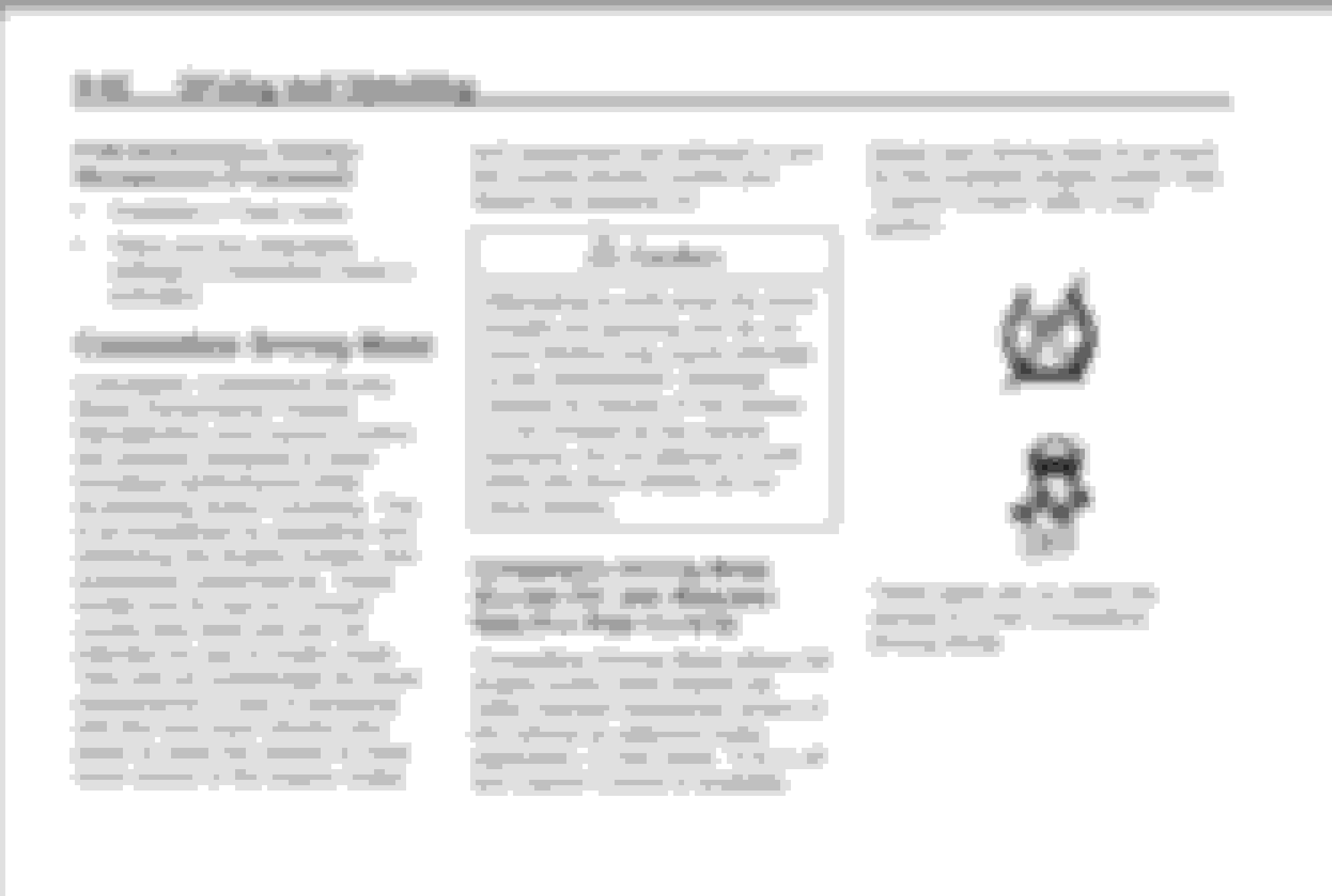
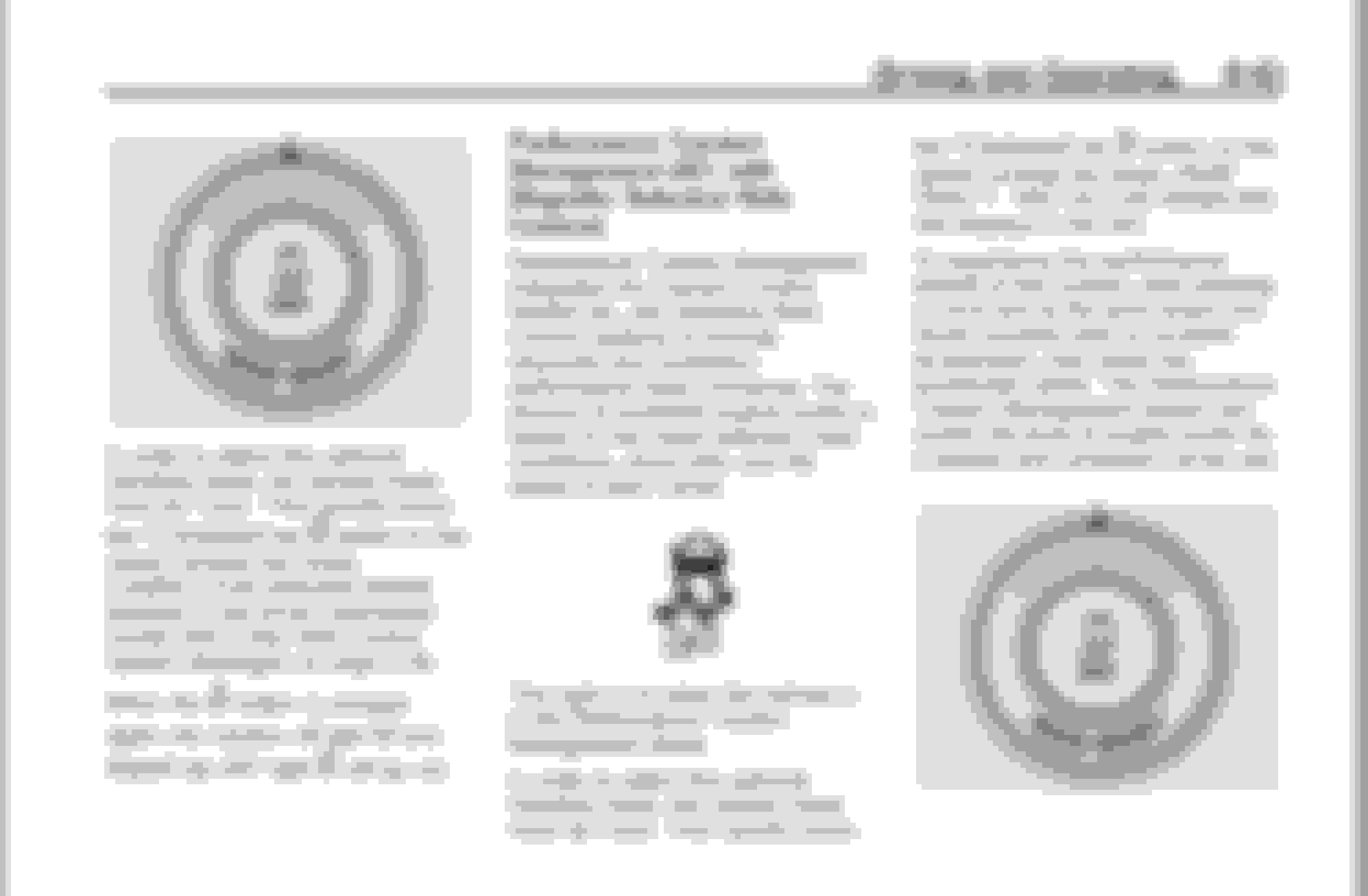
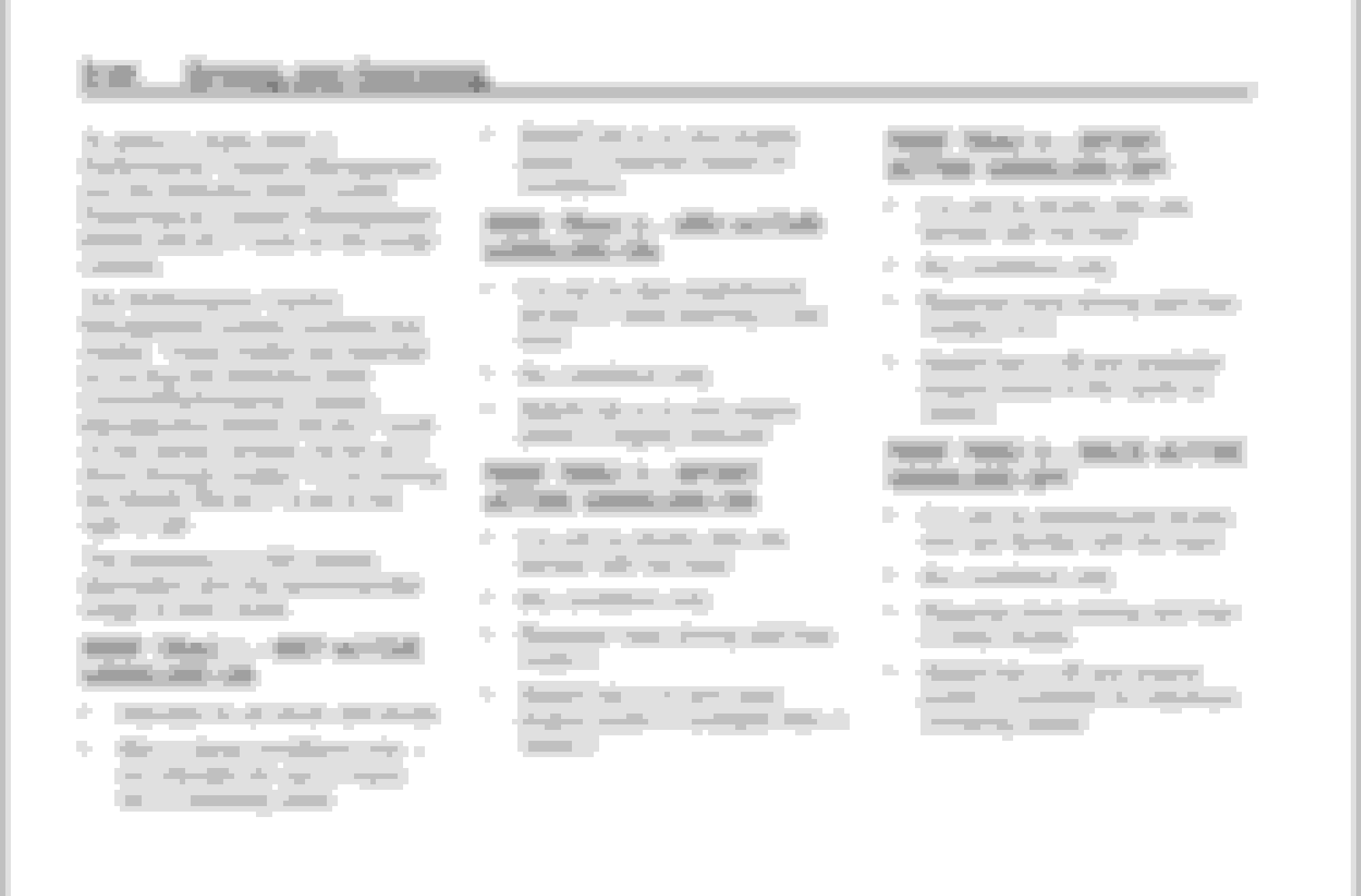
From the 2014 Owners Manual:
If you don't have Magnetic Ride Control you then have Competition Mode;
On Page 9-42;
Notice the manual shows both the TC and Stability Control Lights are on.
On Page 9-43;
Notice it says to push the center button twice quickly.
Notice it says not to push the button again. If you push it again you will turn the TC and Stability Control Lights off which means both systems are active in their base settings.
Again, if you don't have Magnetic Ride Control and do not see Competition Mode along with both the SC and TC lights turned on you are not set up for Launch Control.
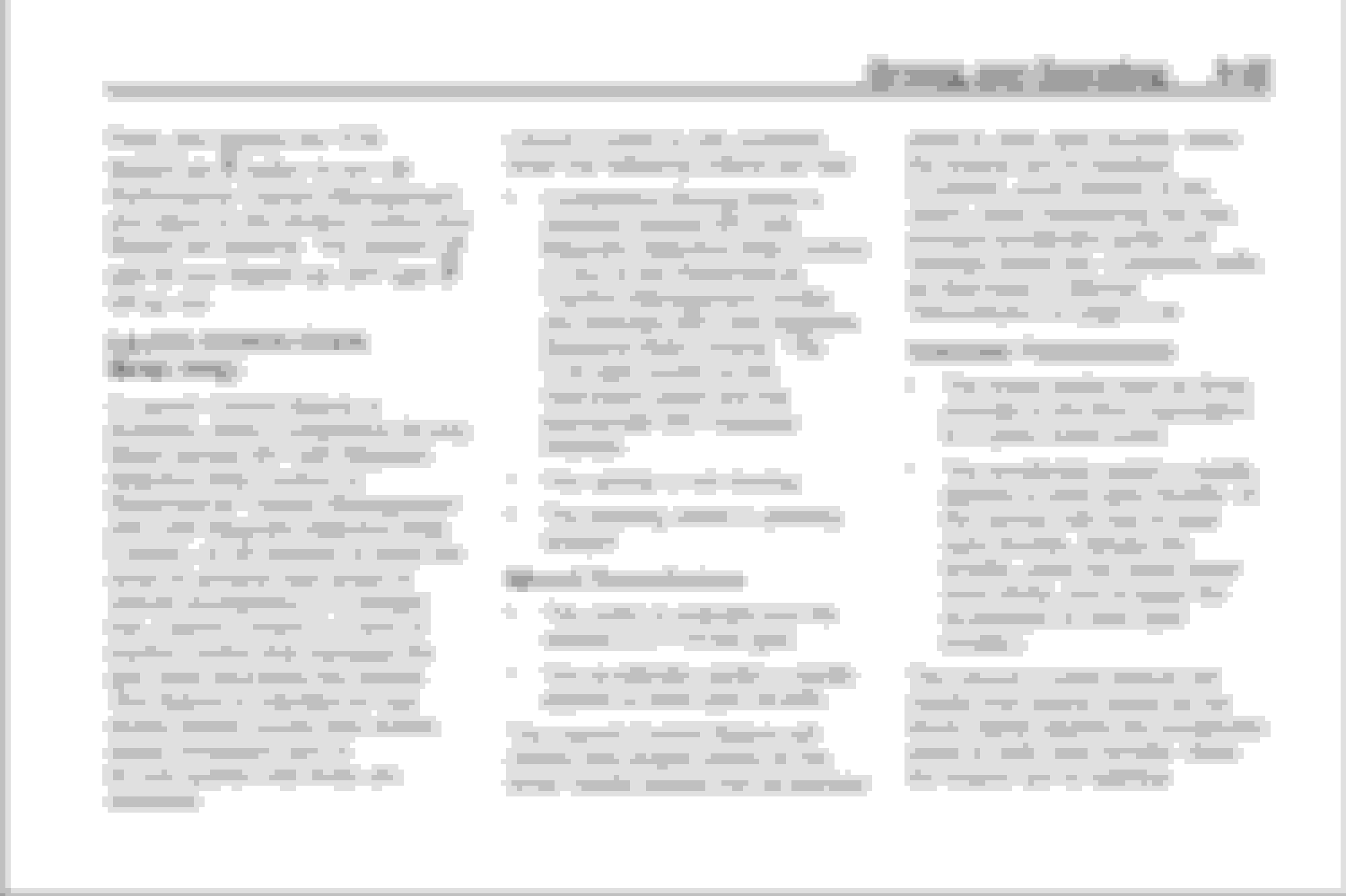
For cars with Magnetic Ride Control:
On Page 9-43;
Notice it says to turn the dial on the console to Track and then push the button twice.
Notice it says you will see WET showing in the DIC and the Stability Control light will be turned on.
If you don't see those things you aren't set up for Launch Control.
On Page 9-45:
Notice it says to push the center button once to turn off Performance Traction Management.
A lot of people think they have to push the center button after they have completed the setup for Launch Control.
As a reminder so you don't forget: Here is what you DO NOT want to do: ONCE you have made your selection do not touch the center button again or you will shut everything off.
the reason why it’s called sport 3 is because before you press the dial 2 time to get to ptt menu u have already went through sport 1 and track to get to this menu so the next sport would be 3 then 4 my thoughts!
Originally Posted by Bill Dearborn
First, you should figure out whether your car has magnetic ride control or not. When you turn the center console dial to Track and push the center button twice (not too slow) you will see some indications on the Instrument Panel.
If your car does not have Magnetic Ride Control (some Z51s were ordered without it) then you will see this on the Instrument Panel. You choose Launch Control by turning the dial on the console to Track and pushing the button twice, then you will see Competitive Driving Mode showing in the DIC. You will also see that both TC and Stability Control are turned off (symbols are lit). DO NOT TOUCH the button again.
If you have magnetic ride control the DIC will display the word WET and the Stability Control light will be lit showing you that it is turned off. When you see that you can turn the dial from WET, to DRY, SPORT1, SPORT2 or RACE. Any one of those locations will give you launch control however I suggest you use SPORT1. For some obtuse reason, the OM calls this PERF TRAC 3 SPORT ACTIVE HANDLING ON.
From the 2014 Owners Manual:
If you don't have Magnetic Ride Control you then have Competition Mode;
On Page 9-42;
Notice the manual shows both the TC and Stability Control Lights are on.
On Page 9-43;
Notice it says to push the center button twice quickly.
Notice it says not to push the button again. If you push it again you will turn the TC and Stability Control Lights off which means both systems are active in their base settings.
Again, if you don't have Magnetic Ride Control and do not see Competition Mode along with both the SC and TC lights turned on you are not set up for Launch Control.
For cars with Magnetic Ride Control:
On Page 9-43;
Notice it says to turn the dial on the console to Track and then push the button twice.
Notice it says you will see WET showing in the DIC and the Stability Control light will be turned on.
If you don't see those things you aren't set up for Launch Control.
On Page 9-45:
Notice it says to push the center button once to turn off Performance Traction Management.
A lot of people think they have to push the center button after they have completed the setup for Launch Control.
As a reminder so you don't forget: Here is what you DO NOT want to do: ONCE you have made your selection do not touch the center button again or you will shut everything off.









 Launch control not activating