


Why am I Having Issues uploading

2026 Loser of the Year


Joined: Sep 2013
Posts: 36,582
Likes: 7,021
From: New Or-leens Loo-z-anna

Testing................................. .
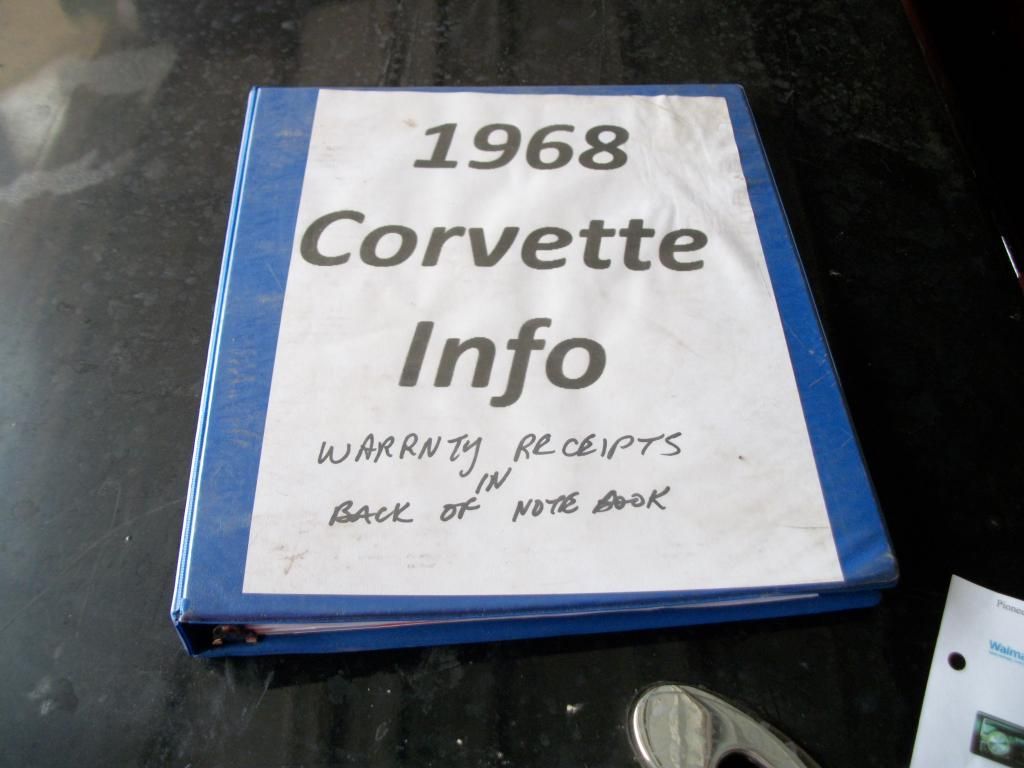
It worked for me....maybe your individual pics are over the MB limit for this Forum.
And.......Photobucket has been driving me nuts/locking up/downloading a 2 minute video takes one hour/then it refuses to post the video in my Library.
What website are you using to store your pics/video?
It worked for me....maybe your individual pics are over the MB limit for this Forum.
And.......Photobucket has been driving me nuts/locking up/downloading a 2 minute video takes one hour/then it refuses to post the video in my Library.
What website are you using to store your pics/video?

Thread Starter
Drifting


Joined: Mar 2009
Posts: 1,461
Likes: 361
From: Monson MA
Testing................................. .
It worked for me....maybe your individual pics are over the MB limit for this Forum.
And.......Photobucket has been driving me nuts/locking up/downloading a 2 minute video takes one hour/then it refuses to post the video in my Library.
What website are you using to store your pics/video?
It worked for me....maybe your individual pics are over the MB limit for this Forum.
And.......Photobucket has been driving me nuts/locking up/downloading a 2 minute video takes one hour/then it refuses to post the video in my Library.
What website are you using to store your pics/video?
Thread Starter
Drifting
Joined: Mar 2009
Posts: 1,461
Likes: 361
From: Monson MA
I keep trying. I copy the link from photo bucket, no luck it says to use a valid url. I tried to drop the photo in, no luck. I liked the way it use to be. Copy the link and paste. Am I missing something?
2026 Loser of the Year
Joined: Sep 2013
Posts: 36,582
Likes: 7,021
From: New Or-leens Loo-z-anna
(Photobucket just failed to upload another video from my laptop..... GRRRRRRRR! )
Drifting


Joined: Apr 2007
Posts: 1,970
Likes: 45
From: Cameron Park CA
They have changed the photo system. I can upload photos on my iPad directly to the forum. There is no longer a need to use a third party photo hosting service like Photobucket.
When I touch the little photo icon it tells me to browse my computer, then I select the photo I want and then I upload it. Easy-Peasy

Pete
When I touch the little photo icon it tells me to browse my computer, then I select the photo I want and then I upload it. Easy-Peasy
Pete
2026 Loser of the Year
Joined: Sep 2013
Posts: 36,582
Likes: 7,021
From: New Or-leens Loo-z-anna
They have changed the photo system. I can upload photos on my iPad directly to the forum. There is no longer a need to use a third party photo hosting service like Photobucket.
When I touch the little photo icon it tells me to browse my computer, then I select the photo I want and then I upload it. Easy-Peasy
Pete
When I touch the little photo icon it tells me to browse my computer, then I select the photo I want and then I upload it. Easy-Peasy
Pete
 ......now I'm getting the "can't do it" script!

Administrator


Joined: Jul 2000
Posts: 53,981
Likes: 6,207
From: About 1100 miles from where I call home.
https://www.corvetteforum.com/forums...e-options.html
Last edited by vettebuyer6369; Dec 8, 2014 at 01:06 AM. Reason: add link
Corvette Stories
The Best of Corvette for Corvette Enthusiasts

10 Reasons the C6 Z06 is Still A Performance Benchmark After 20 Years
Joe Kucinski
How Much Horsepower Every Corvette Engine "LOST" in 1972
Joe Kucinski
Top 10 DOs and DON'Ts for Protecting Your Convertible Top!
Michael S. Palmer
Top 10 Most Explosive Corvettes Ever Made: Power-to-Weight Ratio Ranked!
Joe Kucinski
150 hp to 1,250 hp: Every Corvette Generation Compared by the Specs That Matter
Joe Kucinski
8 Coolest Corvette Pace Cars (and Replicas) of All Time
Verdad Gallardo
Top 10 Corvette Engines RANKED by Peak Torque (70+ Years of Muscle!)
Joe Kucinski
Corvette ZR1X Will Be Pacing the Indy 500, And Could Probably Race, Too!
Verdad Gallardo
Top 10 Corvettes Coming to Mecum Indy 2026!
Brett Foote
Le Mans Master


Joined: Dec 2003
Posts: 5,381
Likes: 416
From: N J
Give tinypic a try.
http://tinypic.com/
Very simple, and if they want you to watch one of their little commercials for a password to continue, dont waste your time. Just type a couple of letters in the box and proceed.
http://tinypic.com/
Very simple, and if they want you to watch one of their little commercials for a password to continue, dont waste your time. Just type a couple of letters in the box and proceed.
2026 Loser of the Year
Joined: Sep 2013
Posts: 36,582
Likes: 7,021
From: New Or-leens Loo-z-anna
Click on New reply box.....new reply box appears.....
Clik on paperclip above reply box
Clik on Browse in pop-up box
Clik on pic in my laptop album pop-up
Clik on OPEN in bottom right corner of laptop albumbox
Clik on upload in Manage attachments pop-up box....wait 20 seconds....
Clic on link located under "Current attachments" in pop-up box
Close both pop-up boxes covering the reply box
Clik on paperclip
Clik on attachment pop-up box
Attachment appears in reply box

Add message under "attachment" link in reply box
Submit reply
WHEW!
(Help! Is there a faster way?)
Clik on paperclip above reply box
Clik on Browse in pop-up box
Clik on pic in my laptop album pop-up
Clik on OPEN in bottom right corner of laptop albumbox
Clik on upload in Manage attachments pop-up box....wait 20 seconds....
Clic on link located under "Current attachments" in pop-up box
Close both pop-up boxes covering the reply box
Clik on paperclip
Clik on attachment pop-up box
Attachment appears in reply box
Add message under "attachment" link in reply box
Submit reply
WHEW!
(Help! Is there a faster way?)
Last edited by doorgunner; Dec 8, 2014 at 09:51 AM.
2026 Loser of the Year
Joined: Sep 2013
Posts: 36,582
Likes: 7,021
From: New Or-leens Loo-z-anna
Drifting
Joined: Apr 2007
Posts: 1,970
Likes: 45
From: Cameron Park CA
You must be missing something. I just went to Photobucket, copied an IMG link and posted a picture the same way I have for years and years. Not sure what change you are talking about, other than the fact that in addition to photobucket theres 2 other easy ways to post pictures here, the paperclip attachment possibly the easiest. They are detailed in the picture posting thread in the stickys on the main page.
https://www.corvetteforum.com/forums...e-options.html
https://www.corvetteforum.com/forums...e-options.html
The point I and others are trying to make is you do not need Photobucket or any other photo hosting site. You can now load photos from your local computer to the Corvette Forum directly.
Personally, I never had to use Photobucket as I have my own website. I would upload photos to my website and then on the forum, provide the URL of the photo I wanted to display. The new method is much simpler because you eliminate all those extra steps. Queries about uploading using Photopucket are almost as common as brake and oil threads. There is a reason for that - it is a complex operation.
Administrator
Joined: Jul 2000
Posts: 53,981
Likes: 6,207
From: About 1100 miles from where I call home.
Steve,
The point I and others are trying to make is you do not need Photobucket or any other photo hosting site. You can now load photos from your local computer to the Corvette Forum directly.
Personally, I never had to use Photobucket as I have my own website. I would upload photos to my website and then on the forum, provide the URL of the photo I wanted to display. The new method is much simpler because you eliminate all those extra steps. Queries about uploading using Photopucket are almost as common as brake and oil threads. There is a reason for that - it is a complex operation.
The point I and others are trying to make is you do not need Photobucket or any other photo hosting site. You can now load photos from your local computer to the Corvette Forum directly.
Personally, I never had to use Photobucket as I have my own website. I would upload photos to my website and then on the forum, provide the URL of the photo I wanted to display. The new method is much simpler because you eliminate all those extra steps. Queries about uploading using Photopucket are almost as common as brake and oil threads. There is a reason for that - it is a complex operation.
I'll leave this thread up awhile longer, and then Ill move it to the Help section where they are usually sent.
Last edited by vettebuyer6369; Dec 8, 2014 at 01:33 PM.


Thread Starter
Drifting
Joined: Mar 2009
Posts: 1,461
Likes: 361
From: Monson MA
Thanks to all. I did get it figured out. It was on my end. I was using the wrong link on Photobucket. Se my tread "The Things We Do To Work On Theses Cars" in the general forum section. I was trying to post the pictures.