


Next project w/pics?
Thread Starter
Safety Car

Joined: Oct 2005
Posts: 3,570
Likes: 1
From: Algonac Michigan
 Next project w/pics?
Well I am ready to start the next phase of my rebuild(by the way this started out as a project just to rebuild suspenssion and steering)  But for the next part I will probably have to send some pictures, and I haven't a clue as to how to get the pics. from my wifes digital camera to this site. If someone would be so kind as to give my wife instructions to post some pics. I can send some showing what I have done so far. And then I will be ready to send more when I start to remove the body.
Thanks in advance
Sly
But for the next part I will probably have to send some pictures, and I haven't a clue as to how to get the pics. from my wifes digital camera to this site. If someone would be so kind as to give my wife instructions to post some pics. I can send some showing what I have done so far. And then I will be ready to send more when I start to remove the body.Thanks in advance
Sly

Drifting

Joined: Mar 2005
Posts: 1,806
Likes: 3
From: Burlington WI
I use Photobucket
www.photobucket.com
It's free and after you upload your pictures there you can copy the link under your photos and paste it into your posts.
It will look like [IMG]www.photobucket.com/foldername/filename.jpg[/IMG]
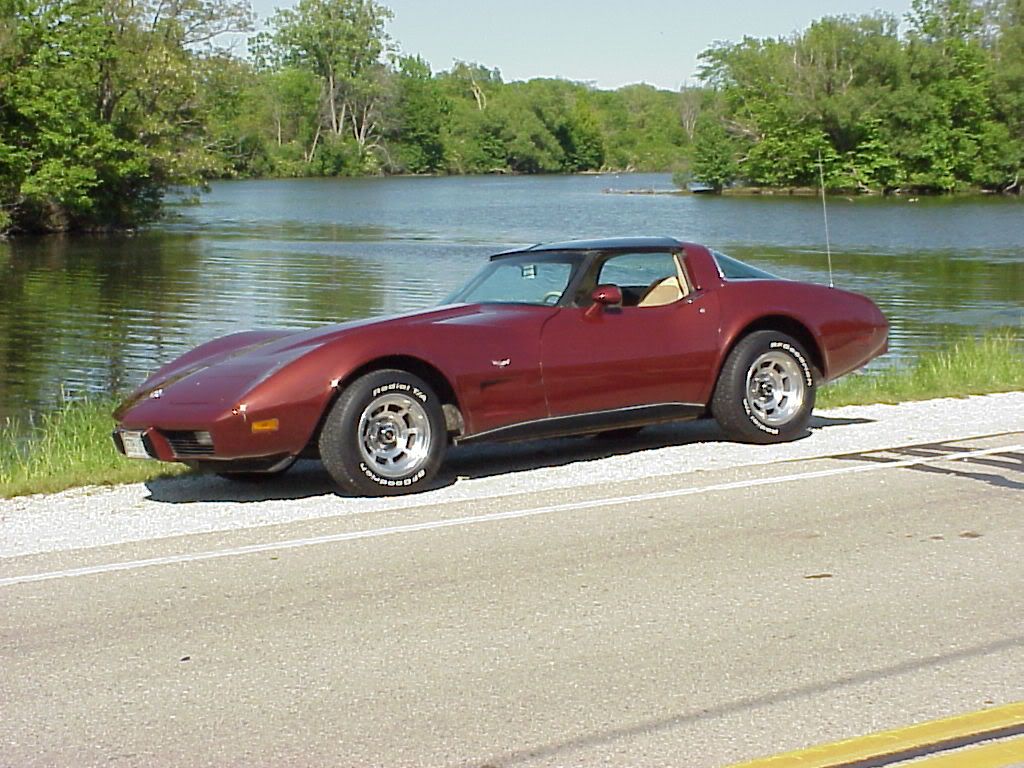
It will work like the picture below:
It's free and after you upload your pictures there you can copy the link under your photos and paste it into your posts.
It will look like [IMG]www.photobucket.com/foldername/filename.jpg[/IMG]
It will work like the picture below:
Burning Brakes


Joined: Jun 2005
Posts: 769
Likes: 0
From: NorCal 71 Lt-1
[QUOTE=fl_rider]www.photobucket.com
It's free and after you upload your pictures there you can copy the link under your photos and paste it into your posts./QUOTE]
After you have signed up, log in then it should bring you to my album / add picture page. There you will see a browse button, click browse then click to where your picture location is on your computer. Name it if you would like then click submitt. You should then see the picture on the bottom of the page. Add more pictures by following the same procedure. Now that you have a host for your pictures you can now add pictures to your forum post.
* the next steps are from a previous post by Eddie 70
1. First click on the picture to enlarge it
2. Right click on picture
3. Click on properties
4. Then where it says Address{URL] highlight and copy the address. Make sure to get the whole thing.
5. Then go to make a post and click on the button above the reply box that looks like a moutain with a sun. This should bring up a blue box, clear the box, and then right click inside the box and paste the info that you copied from the address[URL].
6. Then click on OK. This should put all of the info in the reply box for you and when you click on submit you should see the pic.
Good Luck!
It's free and after you upload your pictures there you can copy the link under your photos and paste it into your posts./QUOTE]
After you have signed up, log in then it should bring you to my album / add picture page. There you will see a browse button, click browse then click to where your picture location is on your computer. Name it if you would like then click submitt. You should then see the picture on the bottom of the page. Add more pictures by following the same procedure. Now that you have a host for your pictures you can now add pictures to your forum post.
* the next steps are from a previous post by Eddie 70
1. First click on the picture to enlarge it
2. Right click on picture
3. Click on properties
4. Then where it says Address{URL] highlight and copy the address. Make sure to get the whole thing.
5. Then go to make a post and click on the button above the reply box that looks like a moutain with a sun. This should bring up a blue box, clear the box, and then right click inside the box and paste the info that you copied from the address[URL].
6. Then click on OK. This should put all of the info in the reply box for you and when you click on submit you should see the pic.
Good Luck!
Thread Starter
Safety Car
Joined: Oct 2005
Posts: 3,570
Likes: 1
From: Algonac Michigan
I have mypictures in photobucket and when i enlarge pic and right click on properties a box comes up and I highlight the URl in it and click okay nothing happens. The box says propeties and also when it was created & last modified. then when I go to the post and click on the mountain with the sun on it sometihing comes up that says [/IMG] and that's it, not the whole address. What did I do wrong? 
Last edited by sly vette; Nov 13, 2005 at 01:38 PM.
Corvette Stories
The Best of Corvette for Corvette Enthusiasts

Top 10 Most Expensive Corvettes Ever Sold on Bring A Trailer
Brett Foote
10 Things Every Corvette Owner Needs (2026 Edition)
Michael S. Palmer
8 Most "Only Corvette Owners Understand" Quirks and Problems
Pouria Savadkouei
10 Reasons the C6 Z06 is Still A Performance Benchmark After 20 Years
Joe Kucinski
How Much Horsepower Every Corvette Engine "LOST" in 1972
Joe Kucinski
Top 10 DOs and DON'Ts for Protecting Your Convertible Top!
Michael S. Palmer
Top 10 Most Explosive Corvettes Ever Made: Power-to-Weight Ratio Ranked!
Joe Kucinski
150 hp to 1,250 hp: Every Corvette Generation Compared by the Specs That Matter
Joe Kucinski
8 Coolest Corvette Pace Cars (and Replicas) of All Time
Verdad Gallardo
Burning Brakes
Joined: Jun 2005
Posts: 769
Likes: 0
From: NorCal 71 Lt-1
Originally Posted by sly vette
I have mypictures in photobucket and when i enlarge pic and right click on properties a box comes up and I highlight the URl in it and click okay nothing happens. The box says propeties and also when it was created & last modified. then when I go to the post and click on the mountain with the sun on it sometihing comes up that says [/IMG] and that's it, not the whole address. What did I do wrong?
I have mypictures in photobucket and when i enlarge pic and right click on properties a box comes up and I highlight the URl
- After you highlight the URL, right click again @ the URL and click copy
then when I go to the post and click on the mountain with the sun on it sometihing comes up that says [/IMG]
- Under [IMG]xxx[IMG] you will see http:// which should be highlighted, right click http:// then click paste, your copied link should now be there.
Thread Starter
Safety Car
Joined: Oct 2005
Posts: 3,570
Likes: 1
From: Algonac Michigan
 THANKS FOR THE HELP ON POSTING THE PICTURES.
  THESE ARE PICTURES OF WHAT I HAVE BEEN DEALING WITH.[IMG]
http://i33.photobucket.com/albums/d6...r/055b74bc.jpg
[IMhttp://i33.photobucket.com/albums/d65/janicesylvester/422960e3.jpgG]
[/IMG]http://i33.photobucket.com/albums/d65/janicesylvester/c58a6879.jpg
 http://i33.photobucket.com/albums/d65/janicesylvester/f49d1cce.jpg
 http://i33.photobucket.com/albums/d65/janicesylvester/4ba7e7fa.jpg[IMG]http://i33.photobucket.com/albums/d65/janicesylvester/27ba17da.jpg
Thread Starter
Safety Car
Joined: Oct 2005
Posts: 3,570
Likes: 1
From: Algonac Michigan
I don't know what happpened I put in eight pictures but only two came up on the screen really enlarged & scattered and one came up in the photo album link. How do you get them all in and smalller?


Thanks, Mrs Sly
Thanks, Mrs Sly


Racer

Joined: Oct 2004
Posts: 379
Likes: 0
From: Thief River Falls Minnesota
Make sure you put [IMG] in front of each image and [/IMG] after each and they should turn out right 


EDIT : I agree, get some jackstands for the back
EDIT : I agree, get some jackstands for the back
Last edited by 76custompaint; Nov 13, 2005 at 03:43 PM.