





 Just upload your pics from your computer to tinypic, then copy and paste the IMG link into your forum post and the pic will appear.


Post Photo Question

Thread Starter
Instructor

Joined: Feb 2012
Posts: 136
Likes: 1
From: Farmington Maine
 Post Photo Question
I want to add a photo to my post. I haven't been able to figure out how to do this. I have several photos in my album and one in my garage. Any suggestions? Thanks

Safety Car


Joined: Sep 2008
Posts: 4,754
Likes: 167
From: Youngsville North Carolina

Drifting


Joined: Dec 2011
Posts: 1,422
Likes: 118
From: San Gabriel Valley California
St. Jude Donor '14-'15
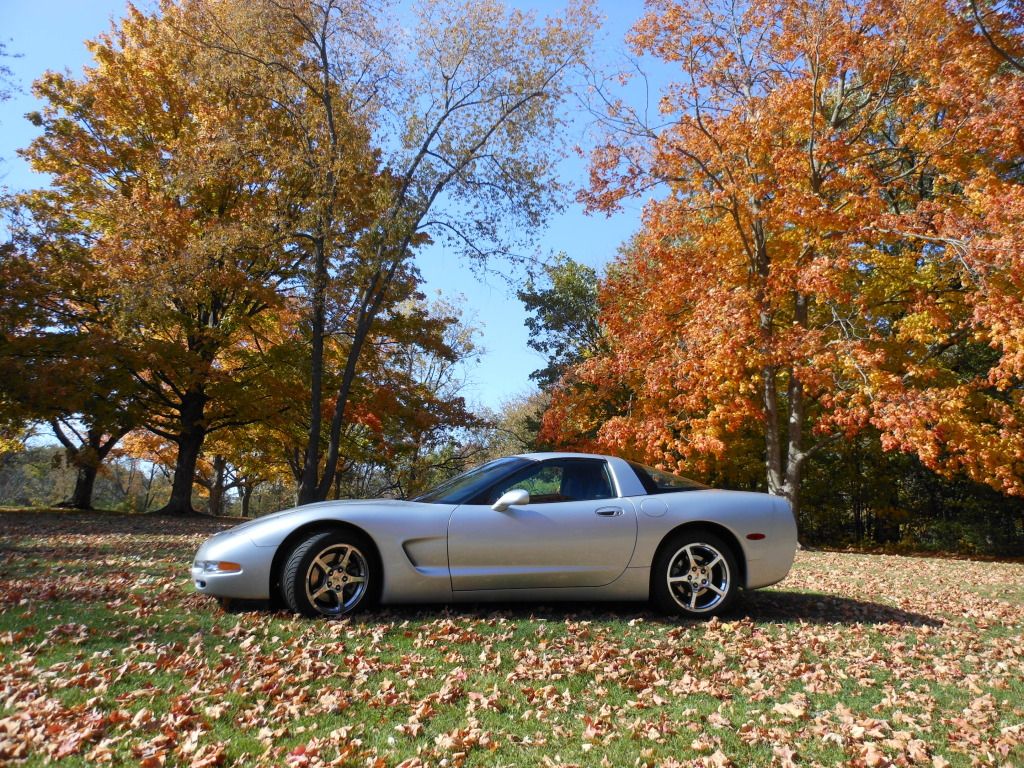
Here's what I do. There may be easier ways???

Put photos on photobucket, after you open an account there.
Have Corvette Forum open in one window. Photobucket open in another window.
Click on the photo you wish to put into Forum thread. Open the photo. Hover your mouse over the center of the photo. Right click, opens a little window; click on 'copy image URL'.
Then go back to the window of Corvette Forum. Open a post. Click on the little image of the mountain at the top just right of center, kind of yellow colored says 'insert image'.
When it opens, there is http// already there. delete that. then click and paste your URL into the box. If you don't erase the http//, then that will be there twice, when you paste your URL in.
That's it. You then type your message in, below the URL, and post. You can hit 'preview post' down below, to see what you've done, before you actually post, if you wish. Seems to work.
Hope this helps.
Don

Administrator


Joined: Mar 2001
Posts: 368,541
Likes: 24,833
From: In a parallel universe. Currently own 2014 Stingray Coupe.
C7 of the Year - Modified Finalist 2021
MO Events Coordinator
St. Jude Co-Organizer
St. Jude Donor '03 thru '26
NCM Sinkhole Donor
CI 5, 8 & 11 Veteran
Corvette Stories
The Best of Corvette for Corvette Enthusiasts

Every 2027 Corvette Engine Explained
Joe Kucinski
Designer Imagines A Corvette That Looks More Like a Corvette Than the Corvette
Verdad Gallardo
10 Ugly Corvettes That We Still Kinda Love
Joe Kucinski
Top 10 Most Expensive Corvettes Ever Sold on Bring A Trailer
Brett Foote
10 Things Every Corvette Owner Needs (2026 Edition)
Michael S. Palmer
8 Most "Only Corvette Owners Understand" Quirks and Problems
Pouria Savadkouei
10 Reasons the C6 Z06 is Still A Performance Benchmark After 20 Years
Joe Kucinski
How Much Horsepower Every Corvette Engine "LOST" in 1972
Joe Kucinski
Top 10 DOs and DON'Ts for Protecting Your Convertible Top!
Michael S. Palmer
Thread Starter
Instructor
Joined: Feb 2012
Posts: 136
Likes: 1
From: Farmington Maine
Photo Uploads
Thanks for all of the technical help. I've only been enjoying the forum for about a year now even though I'm on my third Corvette but the assistance and information that I've gained in that short time has been fabulous !!..............RC
