When you click on links to various merchants on this site and make a purchase, this can result in this site earning a commission. Affiliate programs and affiliations include, but are not limited to, the eBay Partner Network.
I was getting much needed help from CF member dadaroo (aka Mr. Sam) on finding what wire from the passenger side fuse box to splice into for an antenna switch. In the process of the discussion, Mr. Sam thought about and then he identified a wireless 12 Volt 20 amp switch made by FIMCO sold on Amazon. After several very helpful emails and one telephone conversation with Mr. Sam, I decided to install the wireless switch. It works great and is a viable alternative to a hard wire switch that has to be mounted somewhere in the cabin. Here is my installation of the wireless switch.
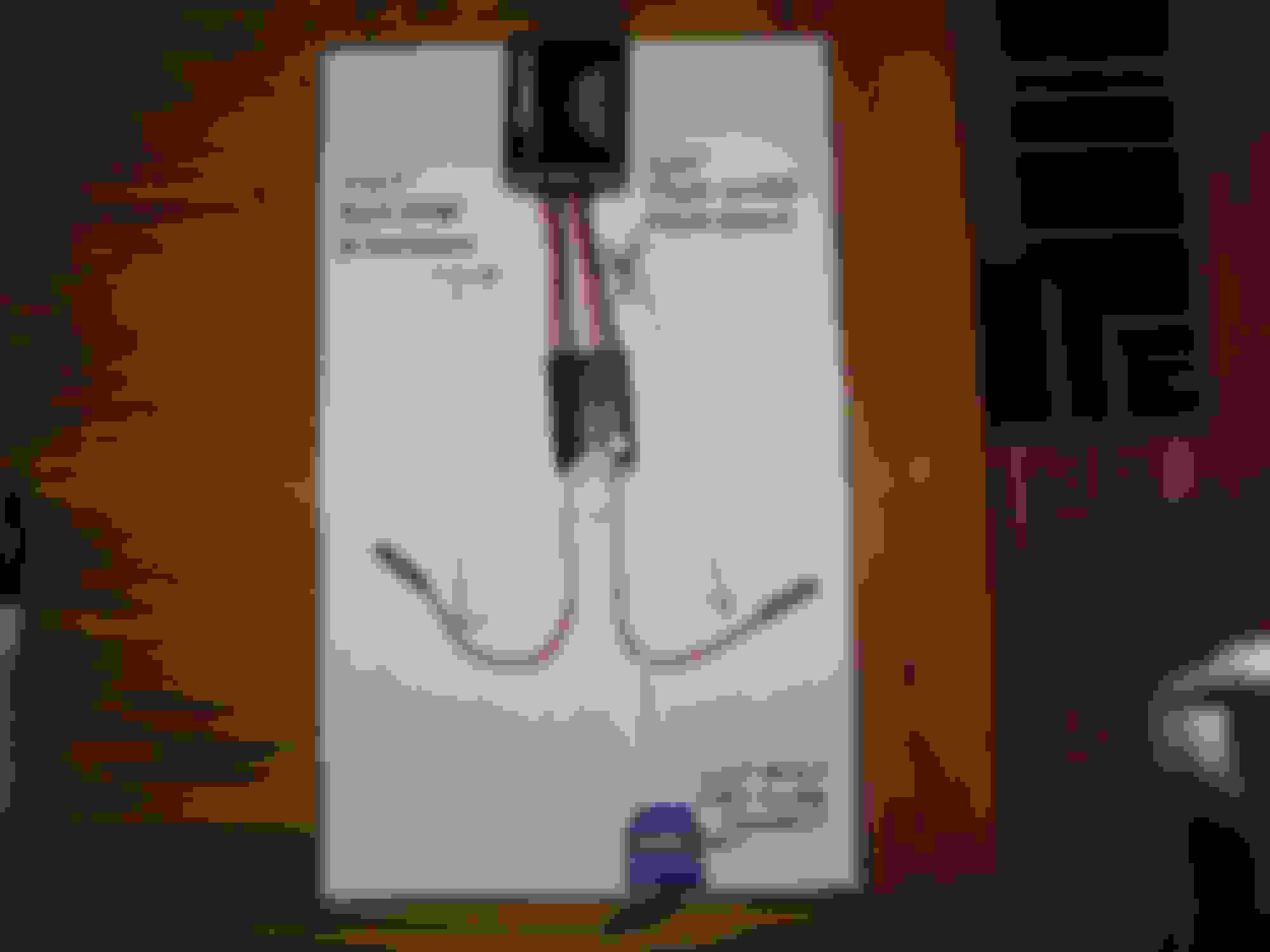
Picture 1 shows the items I used for the installation:
• #1- Wireless Remote by FIMCO with on/off Key Fob. Key Fob has batteries installed. Remote can be ordered through Amazon or I found it at Tractor Supply.
• #2 is an Extension that will be plugged into the remote. It was purchased from Tractor Supply. I cut the extension in half for installation to the Remote.
• #3 is a 3 wire connector I found at Home Depot for an easy connection of the 3 ground wires.
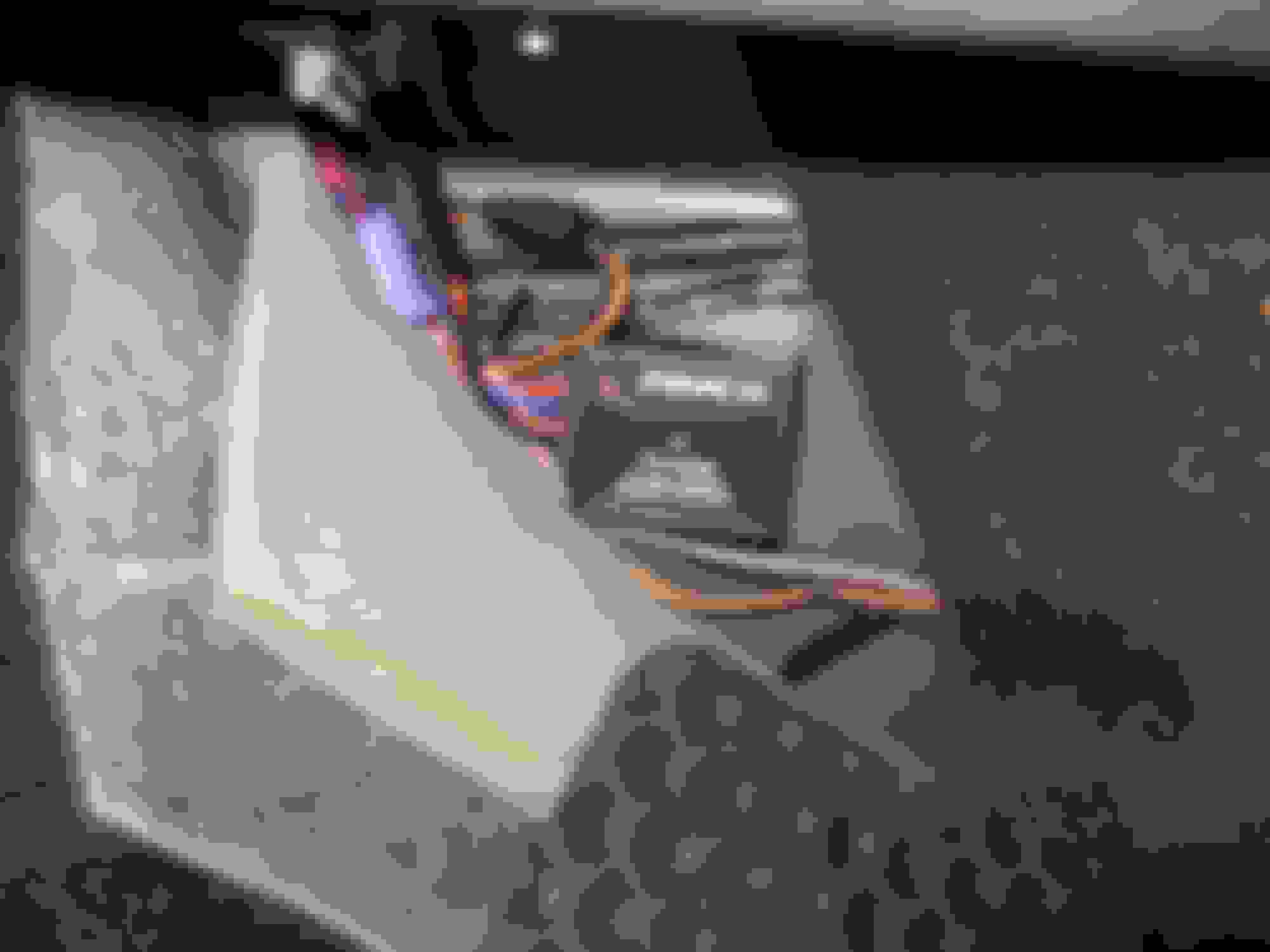
The antenna power connector wires to be cut are behind the passenger side rear trunk area. Just pull the carpet away from the side and the 3 wire connector (orange, pink, black) to the antenna is found. Detach the connector.
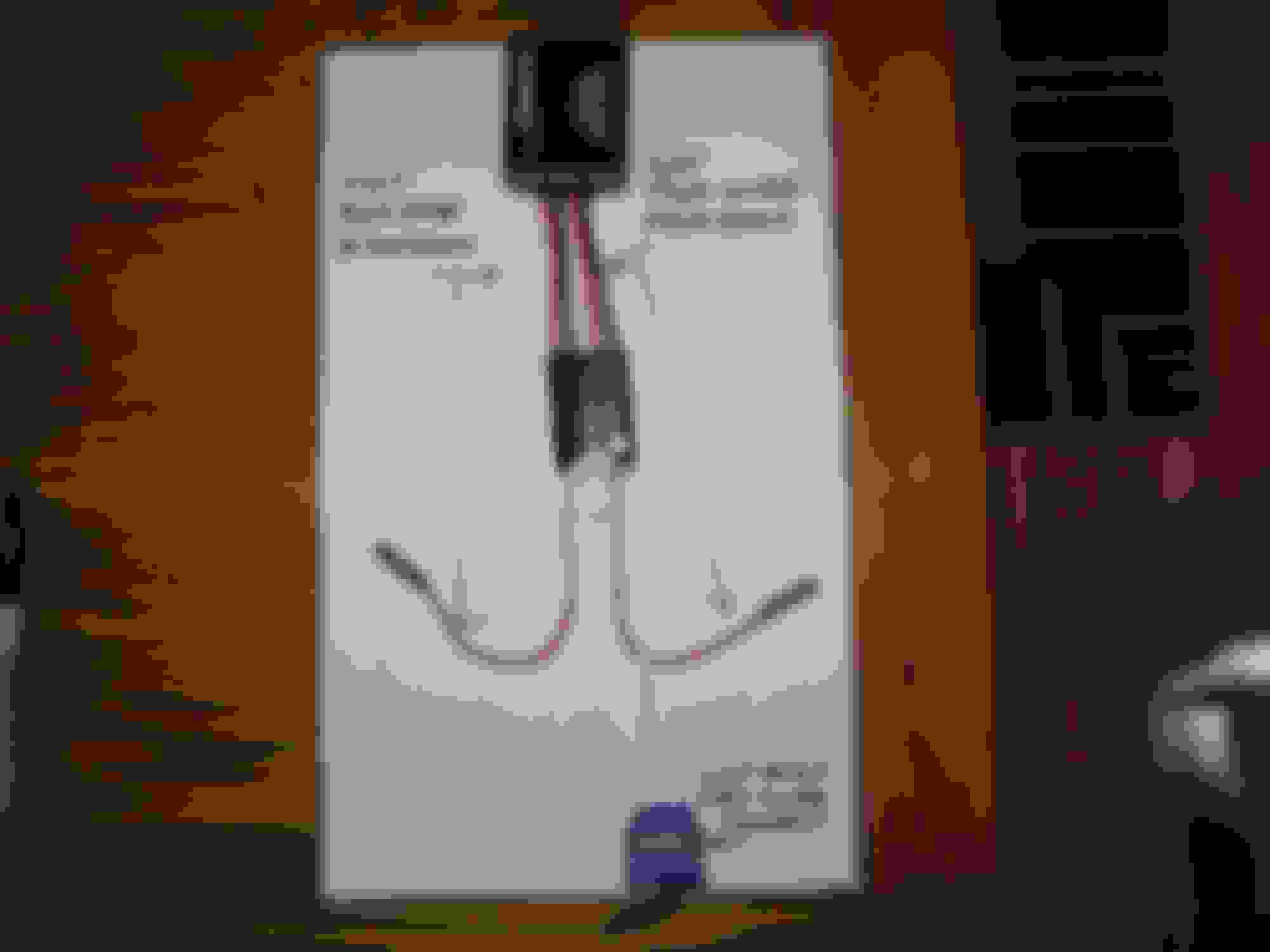
Picture 2 shows the various connections; the cut extension to the Remote pig tails, the one ground wire from the power-in side from the radio to the 3 wire connector, and the two butt connectors on positive wires. The curled white wire is a negative wire not needing any connection.
Picture 3 shows what wires to cut from the antenna connector; pink (the cut wire closes to connector goes to the power-in side of Remote) and the black ground. The black cut wires (after stripping the wire ends) are put in the 3 wire connector.
Picture 4 shows the connection of all the wires.
Picture 5 shows the mounting of the remote to the side of right rear inside panel using Velcro.
I did not attach the on/off key Fob to anything. I just put it in the ashtray to use when I need to listen to the radio (albeit not very often).
The total cost for the project was about $44. Now I can listen to my 12 CD changer without the antenna popping up and just as important, not drilling into anything in the cabin area to mount a switch. Thank you Mr. Sam for the wireless idea.
Since the antenna works about the same up or down, unplugging the power antenna is the easy way to go.
I was doing the disconnect routine but got tired of reconnecting when I wanted to listen to the radio. We live in a rural area and no stations are heard unless the antenna is up. This ‘fix’ is a creature comfort add on that makes it a little easier to enjoy the vette where we live.
I was doing the disconnect routine but got tired of reconnecting when I wanted to listen to the radio. We live in a rural area and no stations are heard unless the antenna is up. This ‘fix’ is a creature comfort add on that makes it a little easier to enjoy the vette where we live.
Oh. OK. I have found that I have little difference in reception if it's up or down around here..
thanks for the descriptive tutorial. i have long thought about doing something with the antenna to keep it in the lowered position under certain circumstances but the thought of an external switch just didn't seem to be what i really wanted. looks like a great solution and a pretty simple less than a couple of hours alteration.
In picture 2, the right hand arrow is pointing to the black arrow. I got a little sloppy with my drawing. Here is the picture again with the arrow "X" out. Thanks Mr. Sam for the edit.
For anyone interested there are two ways to power the remote back at the antenna. He did not want to have the remote receiver powered at all times do to the constant battery drain so we did it this way.
If you want it powered at all times so the antenna will always be kept to Lowered unless you change it using the remote you can contact me for that. The drain should only be a few milliamps and not a real concern for battery drain. We could verify the actual drain if you wanted to try that approach.
I believe he's referring to whether you want power to the mod when the ignition is on or not. It appears the mod as shown is wired such that it is powered only with the ignition on, whereas it could be wired such that it's hot at all times (ignition on or off).
completed this mod, was easy to do! only problem I have is there is no range on the remote. I need to be with in a foot of the receiver to work. any ideas?
You should have no issues with it operating from the driver seat. There is a problem. Replace the battery as a first step.
Mr. Sam
With the help of Mr. Sam , I installed the wireless switch that works only with the key on. I use the remote in my driver's seat with no problem. Great mod for those of us that do not want the antenna up when listening to CD's.
[QUOTE=rrwirsi;1592211962] With the help of Mr. Sam , I installed the wireless switch that works only with the key on. I use the remote in my driver's seat with no problem. Great mod for those of us that do not want the antenna up when listening to CD's.[/QUOT
New battery did not increase the range. With top down, I can stick my hand in the trunk and get antenna to work. Maybe a lemon receiver?
Maybe you do have a bad receiver. Not sure if you have the same receiver as I purchased. Here is a look at my receiver fab. It has an antenna on it. Although I do not need the antenna up for it to work, if yours is the same fab, try extending the antenna (not trying to be a smart aXX. ).
This is a neat mod, but I wouldn't want to have to keep up with the remote and replace batteries. I just cut the Dark Green Power Antenna output wire (Or Blue/White for most aftermarket) coming out of the radio and ran it thru a small 2 position rocker switch ($2.00). You will have to remove the console and mount the switch somewhere. I made a small plate out of lexan and painted it black, mounted it in the ashtray hole. Also mounted my small pushbutton and LED for my Homelink.
With the switch closed, the antenna works normal with the radio power. Switch open, antenna goes/stays down.
This is a neat mod, but I wouldn't want to have to keep up with the remote and replace batteries. I just cut the Dark Green Power Antenna output wire (Or Blue/White for most aftermarket) coming out of the radio and ran it thru a small 2 position rocker switch ($2.00). You will have to remove the console and mount the switch somewhere. I made a small plate out of lexan and painted it black, mounted it in the ashtray hole. Also mounted my small pushbutton and LED for my Homelink.
With the switch closed, the antenna works normal with the radio power. Switch open, antenna goes/stays down.
Larry
My transmitter and receiver are identical, with the exception of the code being "B". Not that I really need the antenna, but would like it to work. 2' is a far cry from 250' as advertised by the manufacture. Can't image their being any interference?
Since I use a sat radio, is there a way to easily turn off the antenna?
I would like to re-ask the question posed by The Rabbi a few months ago.
I don't think I have ever listened to the radio in my Vert (04) so I would like to know if:
1) there is a way to keep the antenna in the Down position while you are listening to a CD without having to pull the plug in the trunk? OR
2) If you do pull the plug with the three wires and now the antenna simply doesn't go into the Up position, does this plug now create a drain on the battery, albeit even a small one?
I ask the 2nd question because I am already fighting a brand new battery that still leaves my car unable to start 'sometimes" after I haven't driven the car for 5-7 days so I wouldn't want to do anything that creates even more of a drain.
Thanks so much guys. If you can help with these questions, please do.






 Wireless switch for power antenna




















 With the help of Mr. Sam , I installed the wireless switch that works only with the key on. I use the remote in my driver's seat with no problem. Great mod for those of us that do not want the antenna up when listening to CD's.

 ).
).