






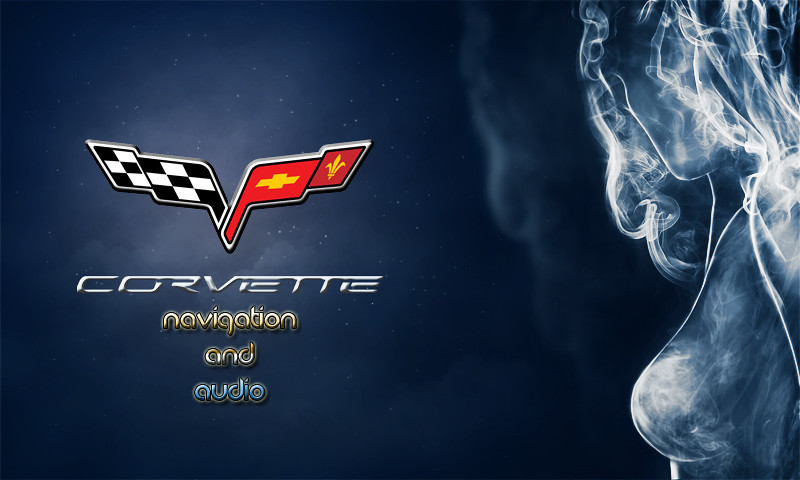


Official AVIC Backgrounds Thread

Burning Brakes


Joined: Feb 2008
Posts: 1,143
Likes: 14
From: Mechanicsville Maryland

Tech Contributor


Joined: May 2003
Posts: 7,035
Likes: 134
From: North Augusta, SC
Corvette Stories
The Best of Corvette for Corvette Enthusiasts

Every 2027 Corvette Engine Explained
Joe Kucinski
Designer Imagines A Corvette That Looks More Like a Corvette Than the Corvette
Verdad Gallardo
10 Ugly Corvettes That We Still Kinda Love
Joe Kucinski
Top 10 Most Expensive Corvettes Ever Sold on Bring A Trailer
Brett Foote
10 Things Every Corvette Owner Needs (2026 Edition)
Michael S. Palmer
8 Most "Only Corvette Owners Understand" Quirks and Problems
Pouria Savadkouei
10 Reasons the C6 Z06 is Still A Performance Benchmark After 20 Years
Joe Kucinski
How Much Horsepower Every Corvette Engine "LOST" in 1972
Joe Kucinski
Top 10 DOs and DON'Ts for Protecting Your Convertible Top!
Michael S. Palmer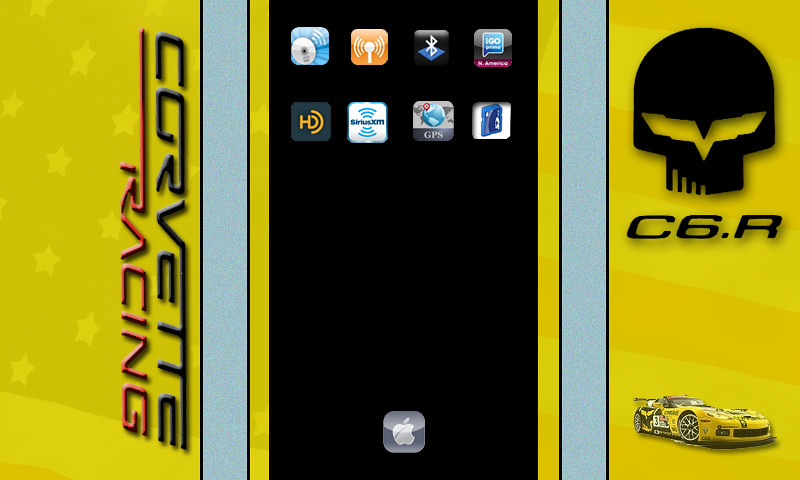



Drifting


Joined: Jun 2010
Posts: 1,312
Likes: 156
From: Richmond Texas

I discovered with much frustration that Photoshop CS5 on my Mac created jpg's that are incompatible with my stereo. I have to use Pixelmator and save them then they work. At least now I know.
Race Director

Joined: Jul 2007
Posts: 18,681
Likes: 47
From: Reno is so close to Hell you can see Sparks , State Of Confusion
St. Jude Donor '12-'13-'14
I use CS5 all the time without any issues, What unit are you using the images on? Also are they jpg?
Drifting
Joined: Jun 2010
Posts: 1,312
Likes: 156
From: Richmond Texas
Race Director
Joined: Jul 2007
Posts: 18,681
Likes: 47
From: Reno is so close to Hell you can see Sparks , State Of Confusion
St. Jude Donor '12-'13-'14
Burning Brakes
Joined: Feb 2008
Posts: 1,143
Likes: 14
From: Mechanicsville Maryland
Drifting
Joined: Jun 2010
Posts: 1,312
Likes: 156
From: Richmond Texas
It is strange. Example: I save jpg to the desktop. It looks like a miniature version of the actual picture with no border. I copy it to the micro SD card and it won't load. If I open the jpg in another program and modify it slightly and save it it looks like a miniature of the image but has a white border. I copy it to the micro SD card then load it in the HU and it works fine. I might need to see if I changed some kind of setting.
Race Director
Joined: Jul 2007
Posts: 18,681
Likes: 47
From: Reno is so close to Hell you can see Sparks , State Of Confusion
St. Jude Donor '12-'13-'14
It is strange. Example: I save jpg to the desktop. It looks like a miniature version of the actual picture with no border. I copy it to the micro SD card and it won't load. If I open the jpg in another program and modify it slightly and save it it looks like a miniature of the image but has a white border. I copy it to the micro SD card then load it in the HU and it works fine. I might need to see if I changed some kind of setting.


