






Official AVIC Backgrounds Thread

Racer


Joined: Jan 2011
Posts: 268
Likes: 0
From: tuttle ok
St. Jude Donor '11

A great resource for this is "avic411.com". There is a bunch of info there by some really savvy people. It is really interesting to see what some people can make these pioneer head units do.

6th Gear
Joined: Oct 2011
Posts: 6
Likes: 1
Corvette Stories
The Best of Corvette for Corvette Enthusiasts

How Much Horsepower Every Corvette Engine "LOST" in 1972
Joe Kucinski
Top 10 DOs and DON'Ts for Protecting Your Convertible Top!
Michael S. Palmer
Top 10 Most Explosive Corvettes Ever Made: Power-to-Weight Ratio Ranked!
Joe Kucinski
150 hp to 1,250 hp: Every Corvette Generation Compared by the Specs That Matter
Joe Kucinski
8 Coolest Corvette Pace Cars (and Replicas) of All Time
Verdad Gallardo
Top 10 Corvette Engines RANKED by Peak Torque (70+ Years of Muscle!)
Joe Kucinski
Corvette ZR1X Will Be Pacing the Indy 500, And Could Probably Race, Too!
Verdad Gallardo
Top 10 Corvettes Coming to Mecum Indy 2026!
Brett Foote
Top 10 C9 Corvette MUST-HAVES to Fix These C8 Generation Flaws!
Michael S. Palmer
Melting Slicks


Joined: Sep 2006
Posts: 3,248
Likes: 265
From: Louisville Ky NCM Lifetime Member 429 (Member Since 1993)
St. Jude Donor '12-'13, '16




Racer
Joined: Nov 2011
Posts: 391
Likes: 4
From: New Lenox IL
St. Jude Donor '12
AVIC-Z2 top pics and tips
I just have to say thanks again to whoever posted and shared these with the rest of us. 
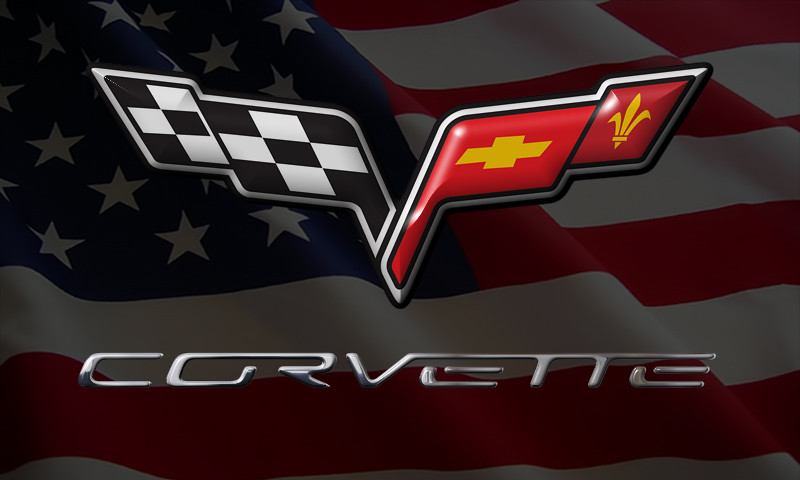
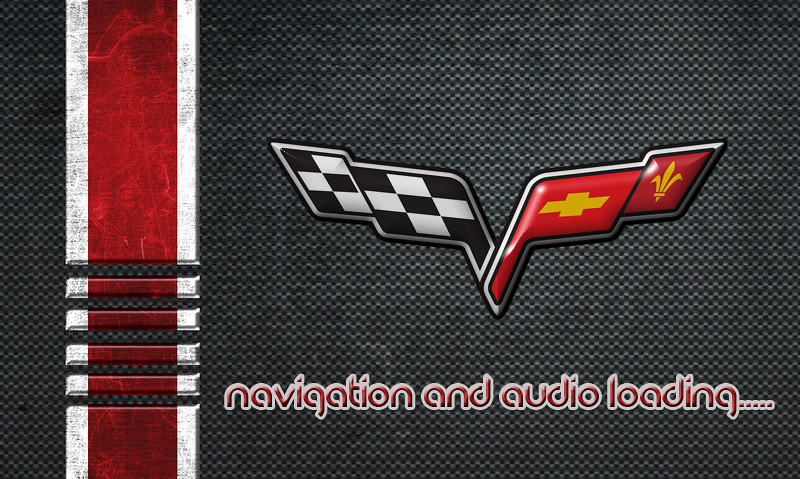
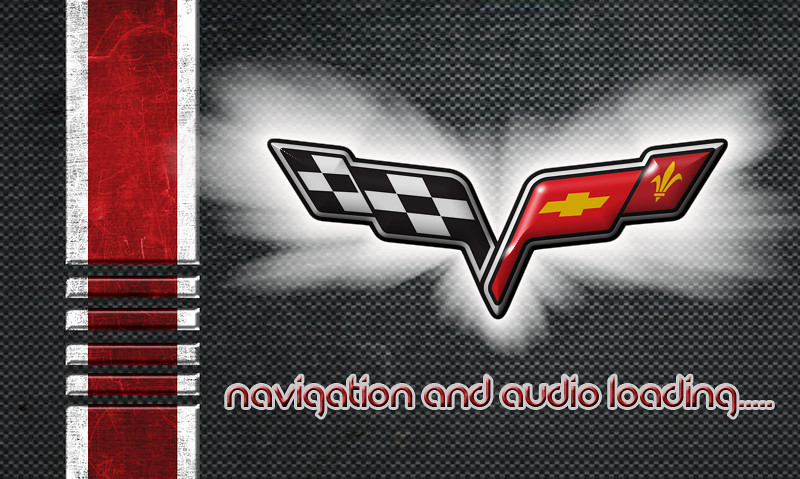
I have tried a bunch of them. I have the AVIC-Z2 and for my start/splash screen I used one of my own pics and Pioneer has it logo and warning copy right info laid over the top, but looks awesome starting up. Then out of all I have seen, I use the Carbon fiber one for my Audio background and the Earth Satellite/ Corvette Navigation image for the Navigation Menu. The standard image size for AVIC-Z2 is 500x240. If you use this size, it will fill your whole screen. If you don't have this size or need any size I recommend using the following site to resize the photos.
http://www.picresize.com/
Thanks to Mr. Bill for the tip on this site.
I don't think these pictures show how good they actually look in the car and how the colors really match the factory colors so well. I included the image to use for the splash screen in 500x240 size as well if anyone wants to use them too.


I have tried a bunch of them. I have the AVIC-Z2 and for my start/splash screen I used one of my own pics and Pioneer has it logo and warning copy right info laid over the top, but looks awesome starting up. Then out of all I have seen, I use the Carbon fiber one for my Audio background and the Earth Satellite/ Corvette Navigation image for the Navigation Menu. The standard image size for AVIC-Z2 is 500x240. If you use this size, it will fill your whole screen. If you don't have this size or need any size I recommend using the following site to resize the photos.
http://www.picresize.com/
Thanks to Mr. Bill for the tip on this site.
I don't think these pictures show how good they actually look in the car and how the colors really match the factory colors so well. I included the image to use for the splash screen in 500x240 size as well if anyone wants to use them too.

Cruising
Joined: Oct 2010
Posts: 10
Likes: 0
From: Round Rock Tx
Guys, I have a Kenwood DNX-6980 I can set the background image, no problem but when I follow the directions above to set start-up image (I chose the red flames), it looks like the HU cannot read the bmp file. It let's me select the "OEM Image" but instead of showing the image, it looks garbled/distorted during start-up. I saved the red flames image above as a bmp file.
any help appreciated.
any help appreciated.

Melting Slicks
Joined: Sep 2006
Posts: 3,248
Likes: 265
From: Louisville Ky NCM Lifetime Member 429 (Member Since 1993)
St. Jude Donor '12-'13, '16
Guys, I have a Kenwood DNX-6980 I can set the background image, no problem but when I follow the directions above to set start-up image (I chose the red flames), it looks like the HU cannot read the bmp file. It let's me select the "OEM Image" but instead of showing the image, it looks garbled/distorted during start-up. I saved the red flames image above as a bmp file.
any help appreciated.
any help appreciated.
If you would like me to take a look at your file, I would be willing to try and resolve your problem (but no guarantees, I am learning on this as I go as well).
My email address is briand001@aol.com
Cruising
Joined: Oct 2010
Posts: 10
Likes: 0
From: Round Rock Tx
If its the same as my dnx9990hd, there are some specific "advanced settings" within the bmp format to allow the hu to read it.
If you would like me to take a look at your file, I would be willing to try and resolve your problem (but no guarantees, I am learning on this as I go as well).
My email address is briand001@aol.com
If you would like me to take a look at your file, I would be willing to try and resolve your problem (but no guarantees, I am learning on this as I go as well).
My email address is briand001@aol.com