










Official AVIC Backgrounds Thread
Melting Slicks


Joined: Sep 2006
Posts: 3,248
Likes: 265
From: Louisville Ky NCM Lifetime Member 429 (Member Since 1993)
St. Jude Donor '12-'13, '16

If this works, I will post the instructions on here. I just don't want to post something that doesn't work, then everyone gets frustrated. That is no help.
Brian.

Burning Brakes


Joined: Feb 2008
Posts: 1,143
Likes: 14
From: Mechanicsville Maryland
Corvette Stories
The Best of Corvette for Corvette Enthusiasts

Top 10 Most Explosive Corvettes Ever Made: Power-to-Weight Ratio Ranked!
Joe Kucinski
150 hp to 1,250 hp: Every Corvette Generation Compared by the Specs That Matter
Joe Kucinski
8 Coolest Corvette Pace Cars (and Replicas) of All Time
Verdad Gallardo
Top 10 Corvette Engines RANKED by Peak Torque (70+ Years of Muscle!)
Joe Kucinski
Corvette ZR1X Will Be Pacing the Indy 500, And Could Probably Race, Too!
Verdad Gallardo
Top 10 Corvettes Coming to Mecum Indy 2026!
Brett Foote
Top 10 C9 Corvette MUST-HAVES to Fix These C8 Generation Flaws!
Michael S. Palmer
10 Revolutionary 'Corvette Firsts' Most People Don't Know
Joe Kucinski
5 Reasons to Upgrade to an LS6-Powered Corvette; 5 Reasons to Stay LT2
Michael S. Palmer
Race Director


Joined: Jul 2008
Posts: 17,755
Likes: 3,688
From: The Sunshine State
2022 C5 of the Year Finalist - Modified
2021 C5 of the Year Finalist - Modified
C7 of the Year - Modified Finalist 2021
Finalist 2020 C7 of the Year -- Modified
2020 C5 of the Year Finalist - Modified
C5 of Year Finalist (appearance mods) 2019
2018 C5 of Year Finalist
 ...and a C5 logo please!
 [/QUOTE]
Burning Brakes
Joined: Jun 2009
Posts: 1,156
Likes: 10
From: Hickory NC
Mine
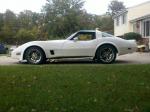
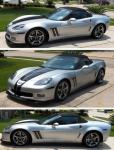
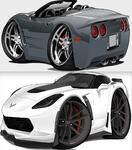
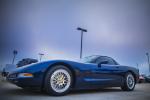
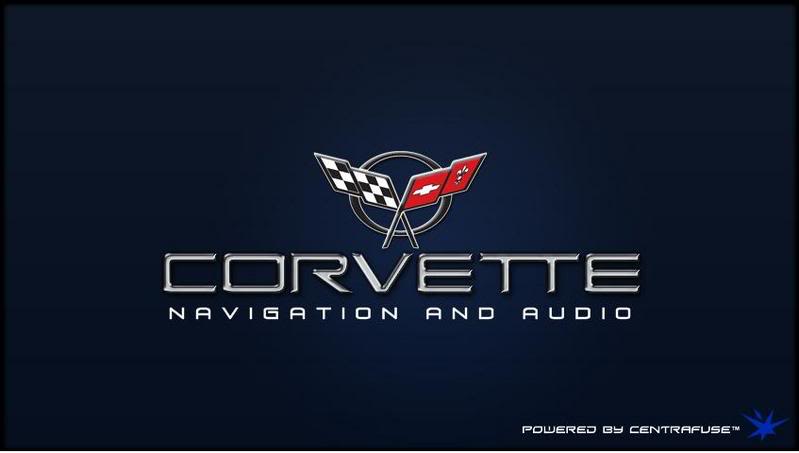
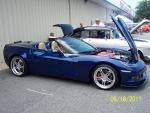
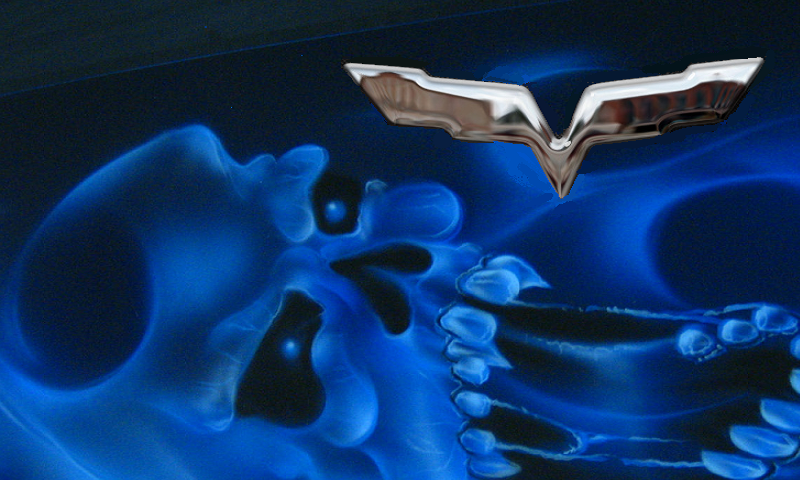
Hope this works 800x480. I worked on it using MS Paint and if someone with talent could do it for me better that would be great. But this is what I have so far for my Pioneer Avic X930BT. The top one is the one I made using the two lower pictures.
THANKS RAYZZZ MY CORVETTE LIKES MY MONEY
One I made
1
1
THANKS RAYZZZ MY CORVETTE LIKES MY MONEY
One I made
1
1

Race Director
Joined: Jul 2007
Posts: 18,681
Likes: 47
From: Reno is so close to Hell you can see Sparks , State Of Confusion
St. Jude Donor '12-'13-'14
Not sure if the 930 is the same as a 920, Here is how you make a background for the avic-x920bt.
Mr.Bill
Thanks to nosaJ-11C7
I didn't see any posts that talked about the pixel aspect ratio of the AVIC-X920BT so I thought I would share this information:
The AVIC-X920BT display is 5.3125 Inches x 2.8125 Inches = 1.889 Aspect Ratio
The AVIC-X920BT resolution is 800 Pixels x 480 Pixels = 1.667 Aspect Ratio
In other words, the pixels are NOT square like on a digital camera or computer monitor. If you simply crop an image to 800x480, it will look vertically squished on the AVIC-X920BT screen.
To get the aspect ratio correct, resize your image to 800x424 keeping the original aspect ratio. Next, vertically stretch the image to 800x480. Now you're ready to drop the image into the "Pictures" folder on your SD card and enjoy it on your AVIC-X920BT!
Mr.Bill
Thanks to nosaJ-11C7
I didn't see any posts that talked about the pixel aspect ratio of the AVIC-X920BT so I thought I would share this information:
The AVIC-X920BT display is 5.3125 Inches x 2.8125 Inches = 1.889 Aspect Ratio
The AVIC-X920BT resolution is 800 Pixels x 480 Pixels = 1.667 Aspect Ratio
In other words, the pixels are NOT square like on a digital camera or computer monitor. If you simply crop an image to 800x480, it will look vertically squished on the AVIC-X920BT screen.
To get the aspect ratio correct, resize your image to 800x424 keeping the original aspect ratio. Next, vertically stretch the image to 800x480. Now you're ready to drop the image into the "Pictures" folder on your SD card and enjoy it on your AVIC-X920BT!

Team Owner

Joined: Mar 2001
Posts: 21,325
Likes: 3,841
From: small town in S.E Pa. PA
St. Jude Donor '03-'04
Get an error message
I just installed a Kenwood DNX690HD, its a new model not even listed on Kenwood's site. it just came out in Jan 2013. I want to change the splash screen to something more C5ish. I've followed instructions from former models: size 800 X 480, saved as a 16 bit BMP using R5,G6,B5 and saved to a flash drive.
I used the Hold menu + Tel and then press the reset button. the unit shut off and then rebooted to the add a image screen where the Kenwood splash screen image resides. I pressed the OEM line and it brought up the bmp thumb nail and a blank thumbnail from my flash drive. I selected the visual thumbnail and it placed the file name on a line and then selected enter... it started to write because it said writing.. then after 2 seconds it said error. I've been doing this all day..
New flash drive.
I've tried about 6 different bmp files, and all show error. I'm thinking this New unit might have a different format. I used two different flash drive both were different manufacturers, and both were new.
Thank for any thoughts.. Kenwood is no help at this point. Dennis is also trying to debug this issue.
Bill aka ET
This is what IM trying to load although this is a JPEG, I converted this to a BMP with Photoshop then put it on the flash drive

I used the Hold menu + Tel and then press the reset button. the unit shut off and then rebooted to the add a image screen where the Kenwood splash screen image resides. I pressed the OEM line and it brought up the bmp thumb nail and a blank thumbnail from my flash drive. I selected the visual thumbnail and it placed the file name on a line and then selected enter... it started to write because it said writing.. then after 2 seconds it said error. I've been doing this all day..
New flash drive.
I've tried about 6 different bmp files, and all show error. I'm thinking this New unit might have a different format. I used two different flash drive both were different manufacturers, and both were new.
Thank for any thoughts.. Kenwood is no help at this point. Dennis is also trying to debug this issue.
Bill aka ET
This is what IM trying to load although this is a JPEG, I converted this to a BMP with Photoshop then put it on the flash drive
Last edited by Evil-Twin; Mar 12, 2013 at 05:25 PM.
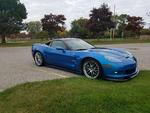
Pro

Joined: Sep 2012
Posts: 736
Likes: 22
From: Essexville MI

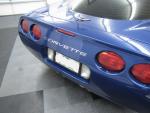
Intermediate

Joined: Jul 2012
Posts: 27
Likes: 0
From: Woodbury Tennessee
I just want to say thanks to gibear2k5 and all the others for their work on these. Although I do not have a double din in my C5 as I have not been able to justify the trouble and expense to add one yet. I am certainly considering it even more now. The electron Blue C5 one almost convinced on the spot.
Thanks again for your work.
Thanks again for your work.