When you click on links to various merchants on this site and make a purchase, this can result in this site earning a commission. Affiliate programs and affiliations include, but are not limited to, the eBay Partner Network.
Ok order is listed as out for delivery! Wish me luck on the install
Be sure to use the Video/Power Extension Wire along with the Video Female Coupler that we listed in this thread. It will enable you to put the camera wherever you want.
I am going to have to redo mine to add the longer wires. Just waiting for the temperature to go below 104. Phew...might not redo it till the fall.
An old iPhone would work perfect, as long as it will connect to wifi. Since you have a USB port in the cubby you can leave it hooked up. I believe the Cubby USB will loose power when the ignition is turned off. You will have to unlock and activate the app when you start the car.
Just remember that you have to download the WIFIAV app and I'm not sure how old a version of iOS (iPhone) it will run on.
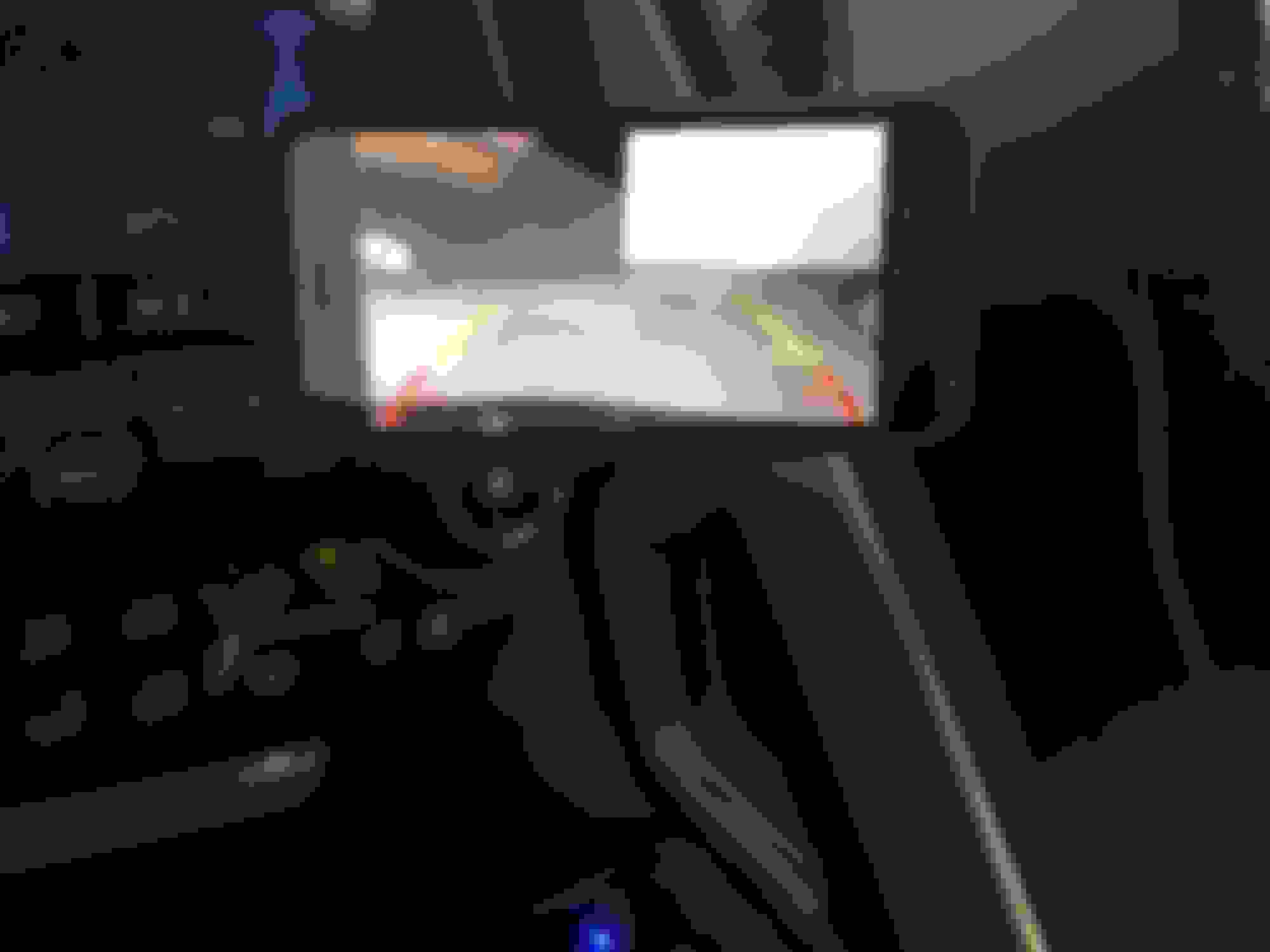
I dug out my old Iphone 4 connected it to wifi and downloaded the app and I leave it in the holder plugged into the usb port, now I don't have to use my new phone. The IP4 is now the permanent monitor.
Just an FYI - If there is a way to reverse the image on the cameras that now come with the wi-fi units, the seller has no clue how to do it. I just had a round of English as a second language messages with them that ended with "Dear friend please kindly try on google website ,appreciate your understanding."
Just an FYI - If there is a way to reverse the image on the cameras that now come with the wi-fi units, the seller has no clue how to do it. I just had a round of English as a second language messages with them that ended with "Dear friend please kindly try on google website ,appreciate your understanding."
I just bought an Esky camera with push button changing for my second unit it was only like $16.00 , I think you can buy the wifi unit only without a camera on Ebay for 20 some dollars, buying each item individually might be a more cost efficient route it would still only be in the $40.00 range.
I just bought an Esky camera with push button changing for my second unit it was only like $16.00 , I think you can buy the wifi unit only without a camera on Ebay for 20 some dollars, buying each item individually might be a more cost efficient route it would still only be in the $40.00 range.
Knowing what we now know, it might be a better method doing it as separate components. The Esky camera works great. It has lots of adjustments including reversing the image.
Since the wires are too short you'll really want to use the Video/Power extension wires listed in this thread. Because the One-Button Module will end up behind the grill, there is a good change that it could get wet. I would highly recommend that you protect the module from the elements. I used Silicone Rubber Self Fusing Tape to waterproof it. I also used this tape to seal all the wire connections. I use this tape a lot so I purchased the longer roll.
Knowing what we now know, it might be a better method doing it as separate components. The Esky camera works great. It has lots of adjustments including reversing the image.
Since the wires are too short you'll really want to use the Video/Power extension wires listed in this thread. Because the One-Button Module will end up behind the grill, there is a good change that it could get wet. I would highly recommend that you protect the module from the elements. I used Silicone Rubber Self Fusing Tape to waterproof it. I also used this tape to seal all the wire connections. I use this tape a lot so I purchased the longer roll.
FYI - I sold the camera that originally came with the kit for a whopping $3.25 on eBay. Not worth the effort except it is better than it ending up in a landfill or sitting in a box around here until I die.
Also bought a second wi-fi unit and Esky camera for my daily driver.
I hope you guys realized that we have done what no one else has ever done. This setup can work for anything. My son is installing it into his Jetta as a review camera.
It's a amazing what can be done when a bunch of guys on the internet. Kudos to all that helped make this idea a reality.
Put mine in today too. Used the video/power extension cable from Amazon that I posted earlier in the thread. You also will need a female to female RCA adapter if you go this route (I just happen to have one). I mounted the wi-fi unit up by the firewall underneath the passenger side hood latch. I was able to use some of the clips to secure the wires from when I installed the curb alert. Also used a micro-tap on fuse 27. The bottom red line is about 2-3 inches from my splitter. I used lots of 3M tape. Pretty happy with the results. I just wish the camera app worked in portrait mode.
Having trouble understanding where you put the wifi box. Can you post a photo further back, so I can get a reference point.
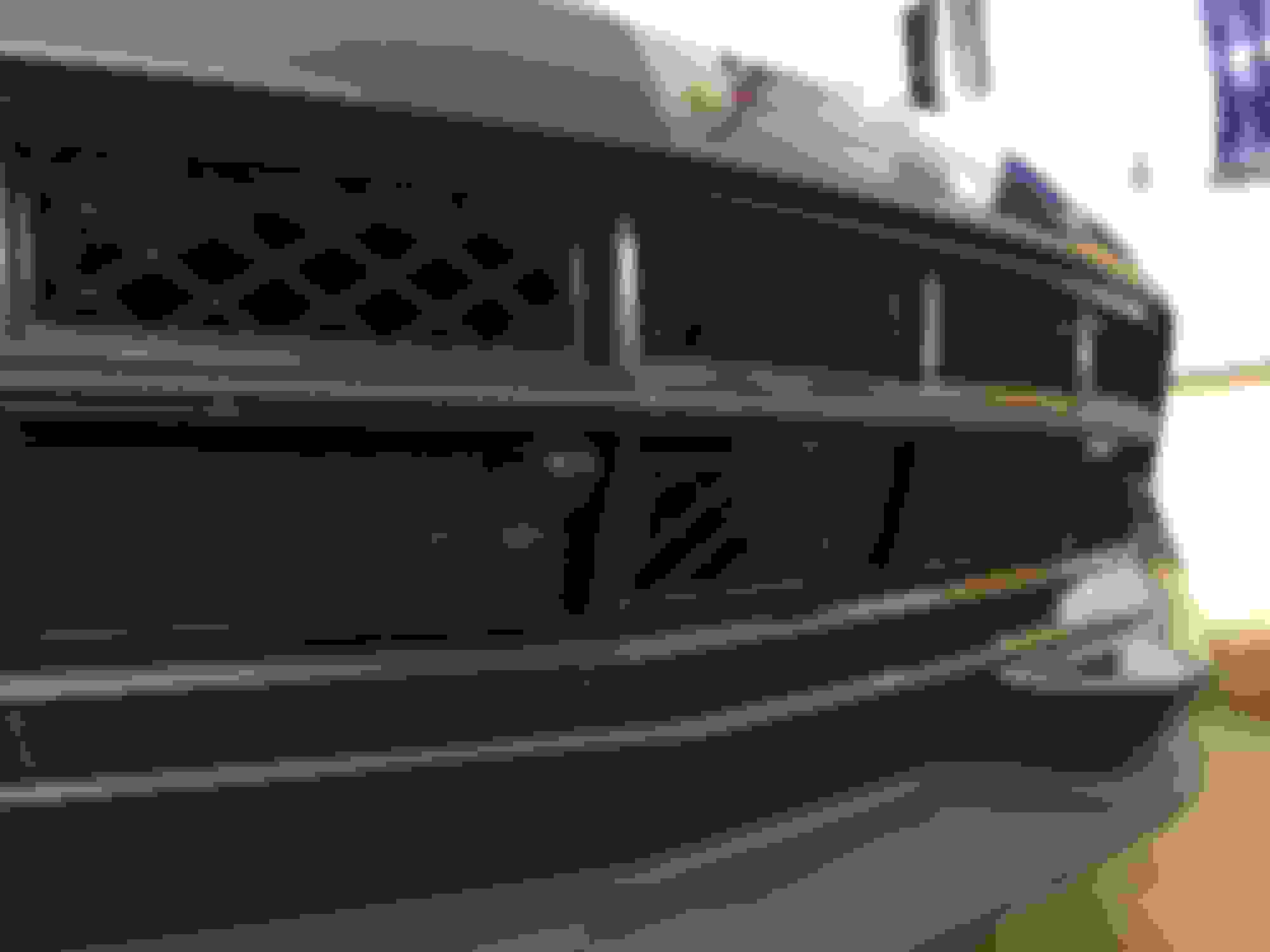
Well, 3 hours later and my Curb Cam is now moved to the center of my grill. It's funny it was just as big PITA the second time as the first time. It could be the fact that it was 104 degrees in Tucson today.
Thanks, ZBRETT...the new location for the Wifi Box was perfect. It will keep it away from the engine heat.
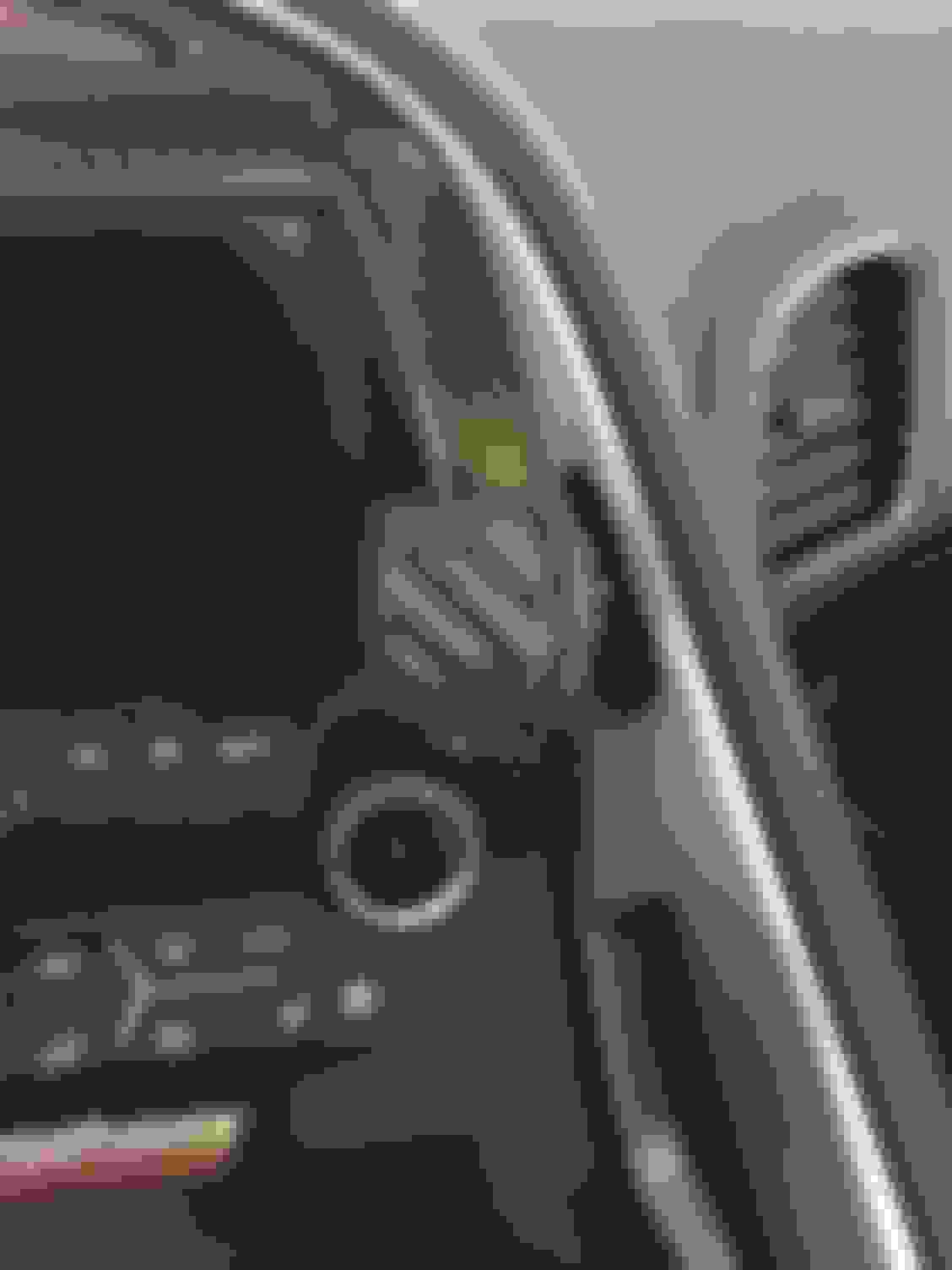
I noticed that your using a Scosche Stick-On Mounting Bracket for you phone. You might want to check the ProClip Mounting Bracket, since it requires no glue and fits perfectly.
Here's the link. http://www.proclipusa.com/dashboard-..._leftorright=0
There is detailed video as to how easy it is to install.
Actually every Vette since C4 should have one. It's easy to install and costs about $70. I'm putting one my VW Passat & Jetta as a review camera. So I guess I'll be posting DYI on the VW Forum.
Discovered a small gotcha that I had not thought of. I was using Waze and realized it couldn't access the Internet for updates via cellular data because the phone's wifi was locked onto the wifi camera (which obviously does not have Internet access). Turn off the wifi on the phone fixes the issue. Not a deal killer, but something to consider.
Like the Pro-Clip. May consider it in the future. Thanks.
Discovered a small gotcha that I had not thought of. I was using Waze and realized it couldn't access the Internet for updates via cellular data because the phone's wifi was locked onto the wifi camera (which obviously does not have Internet access). Turn off the wifi on the phone fixes the issue. Not a deal killer, but something to consider.
Like the Pro-Clip. May consider it in the future. Thanks.
Oops. I thought of that after I started using the cam. I'm looking for an old cheap iPhone to leave connected in the dash cubby. Note you need to use an iPhone that can run iOS 6, the WifiAV App needs it. The earliest iPhone that can use it is 3GS
Oops. I thought of that after I started using the cam. I'm looking for an old cheap iPhone to leave connected in the dash cubby. Note you need to use an iPhone that can run iOS 6, the WifiAV App needs it. The earliest iPhone that can use it is 3GS
This might be an alternative. It will run the android version of the app and should fit in the cubby hole.